Category Archives: Commerical Work

Digitising Art

Anyone looking at this Blog would clearly know that I mainly shoot people. However that is not to say that I will turn down the opportunity to shoot other things. Especially if the process is challenging.

That happened when a lady we knew through the church asked if I was willing to photograph her artwork. She wanted to put the digital images up for sale.

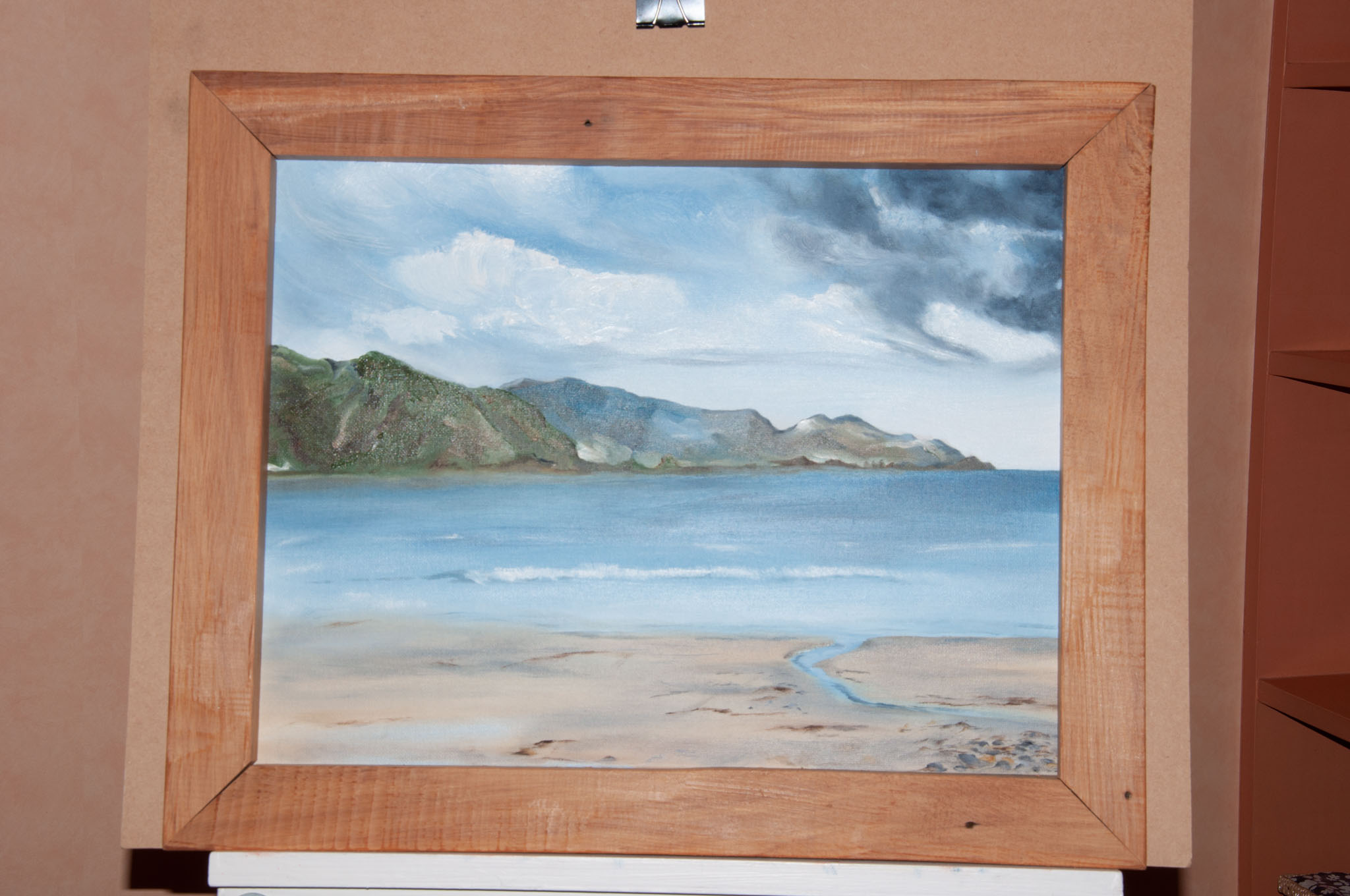
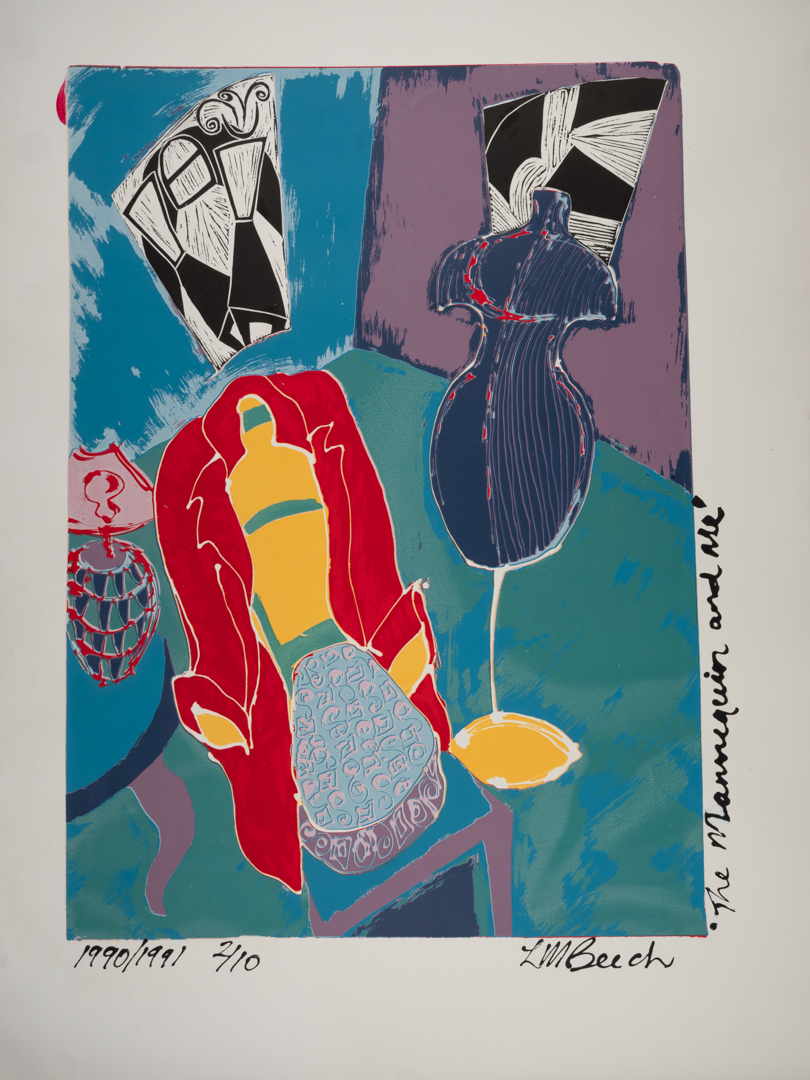
I had done something similar in the past with the work of a local upper Hutt artist. I had learned lots through that process that I applied this time. The big difference was that previously I had been photographing canvases. This time it was screen print on paper. This meant that they could not be supported on an easel and therefore had to be laid flat.

The key to photographing art is to ensure both consistency of colour and secondly consistency of light across the piece. You want to avoid hot-spots at all cost. The first requirement is met using a colour checker card and setting up a profile on the computer. The second was achieved by my lighting set up.

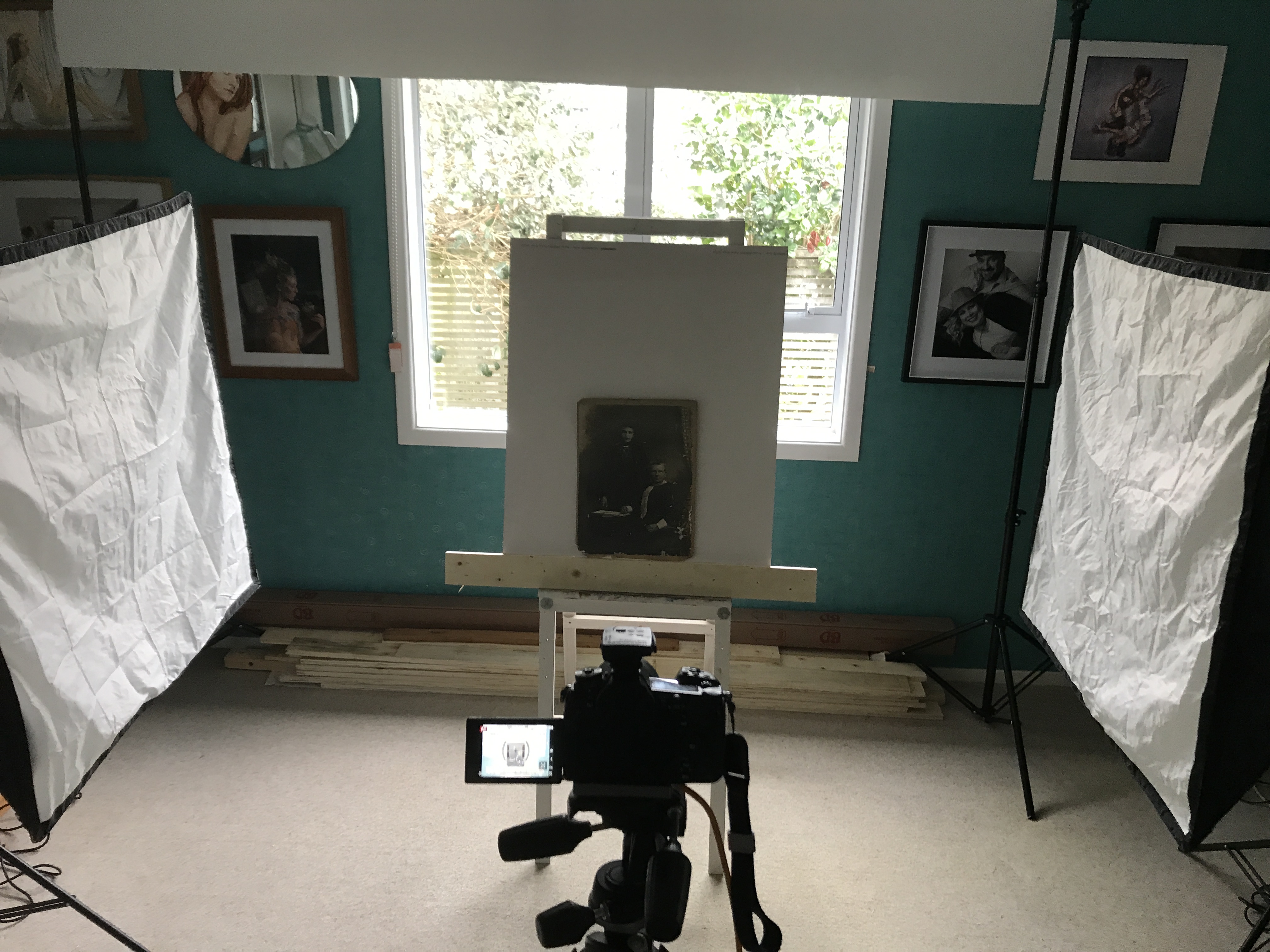
I positioned my two Elincrom D 400 lights fitted with one meter square soft boxes. Both were fitted with inner diffusion panels as well. The lights were at 90° to the art meaning that there was no direct light falling anywhere. I was aiming to shoot at f10 so that I would have a good depth of field. I used a light meter to test the light at various points around the piece of art. Then, I adjusted the position of the soft box to ensure it was consistent. You will note in the image below that the left soft box is further back than the right. This is because there is an inconsistency between the two lights at the same setting.

The camera I was using was my Lumix G9 position on a boom head overhead. It was tethered into the computer using the Panasonic Tether software. I have mentioned in previous posts that I like to shoot tethered. It has the advantage that you can see the image much larger then on the back of the camera.

This particular tethering software has another advantage in that you can like grid lines into the live video. You can make fine adjustments to the camera’s position. This ensures that it is perfectly square to what is being captured. This removes the need to correct distortion in post. The software loaded the images into a folder on the computer. I had set up Lightroom to monitor that folder. As soon as the image appeared, it would copy the image into its database.

We set the camera height based on the largest print that we needed to capture. This meant that once it was set we did not have to muck with the Camera. I was using the equivalent of a 50 mil Lance as this again meant we had no distortion to factor..

The table that we were using had a metal surface on it. To hold the prints down we used a combination of magnets hands.

The first image took some time to set up. Once that was achieved, the other images were shot very quickly. My wife would place the paper on the table while I watched the computer monitor. I would then get her to make slight adjustments to align to edges to the grid. We did not bother trying to get all four edges. We discovered that the art paper that had been used was not always completely square. With each pace I generally only took 2 to 3 images.

Once I had all of the images captured, I selected the best one. I then did final edits in Photoshop. As we had taken the time at the start this was not a difficult process. It mainly involved squaring off the images and removing either the magnets or fingers used to hold them flat.
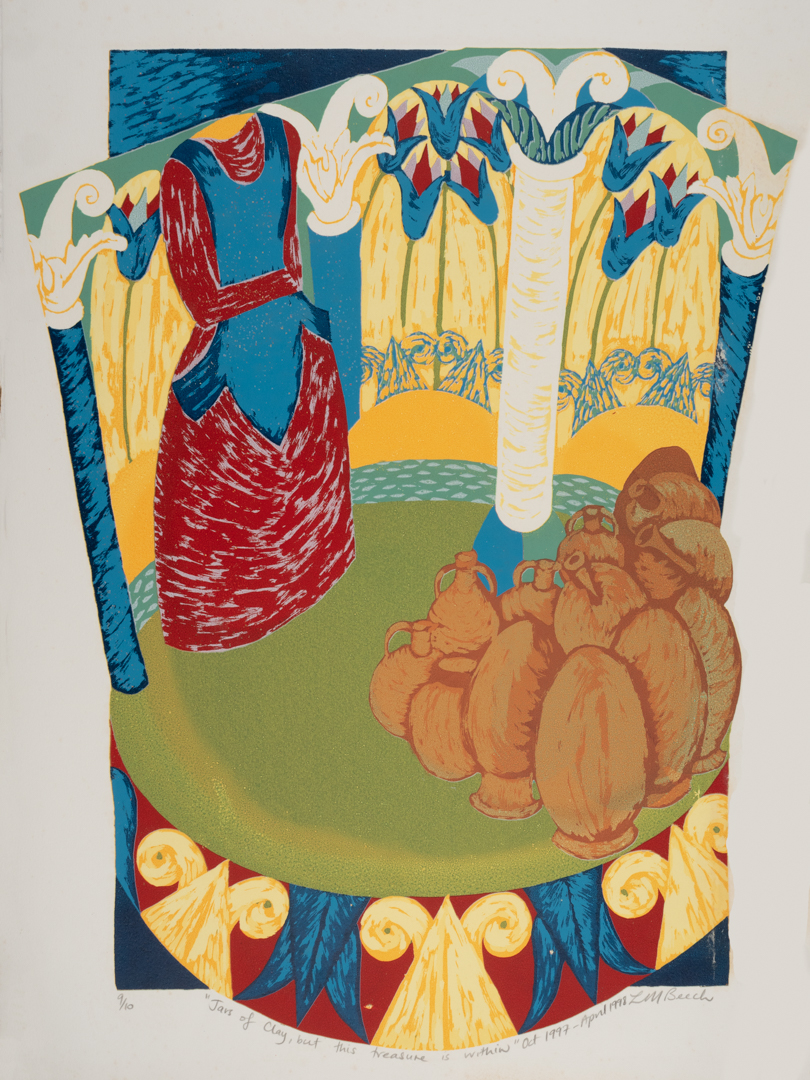
I delivered the images to Lisa in a high resolution version suitable for printing. I also provided a low resolution version suitable for display on her website. She was very happy with the results.

Mikki Summer – With a little Flash

This is second post about the Mikki Summers session (www.mikkisummers.co.nz). In this post I am going to cover the images that made use of flash.

As I mentioned in the previous post the shoot with Katie took place around Wellington. Therefore, I did not want to be lugging too much gear around.

I knew there was a possibility that the natural light would not be sufficient in some circumstances. I took my Godox V1 speed light. I also took a small soft box and a lightweight light stand. The stand was easy to carry.

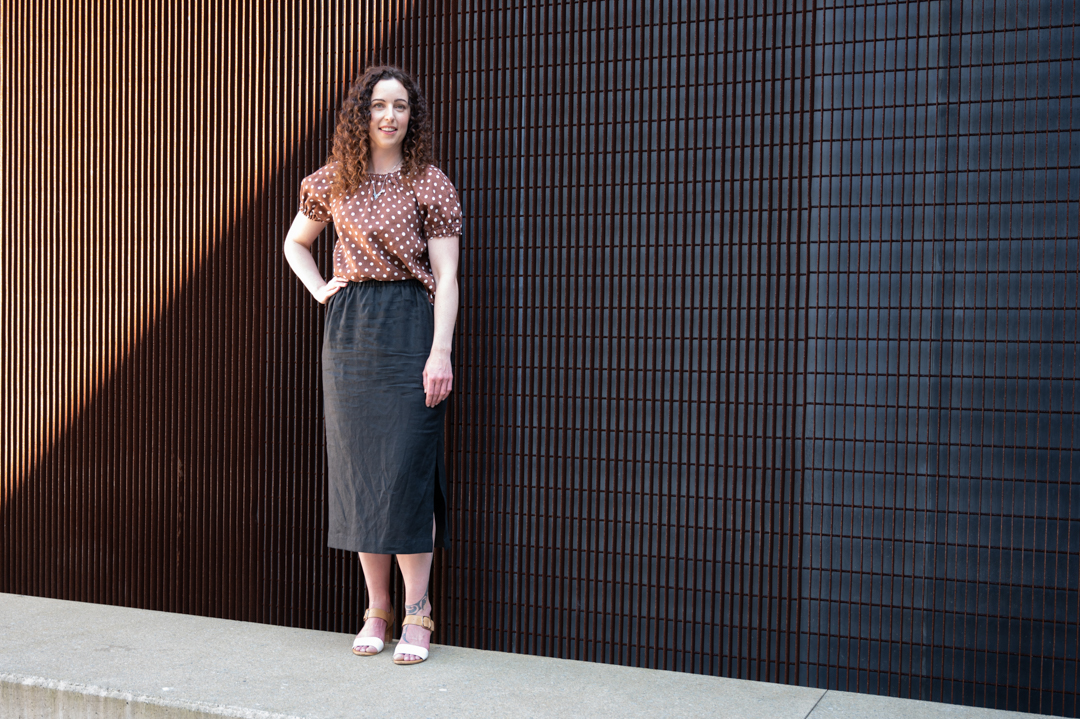
Most locations did have sufficient light. However, the first photo on this page had too much shadow. So the flash was used as a main light.

Where the flash really helped was when I found a location where the sun was beaming through a gap in the buildings. This enabled me to use it as a backlight.

So that I had full control the camera was placed in manual mode. I was shooting 1/200s at f4.5 ISO 100. At these setting Katie became heavily in shadow. I then brought the flash in camera right to illuminate Katie. This technique is called “fill flash”

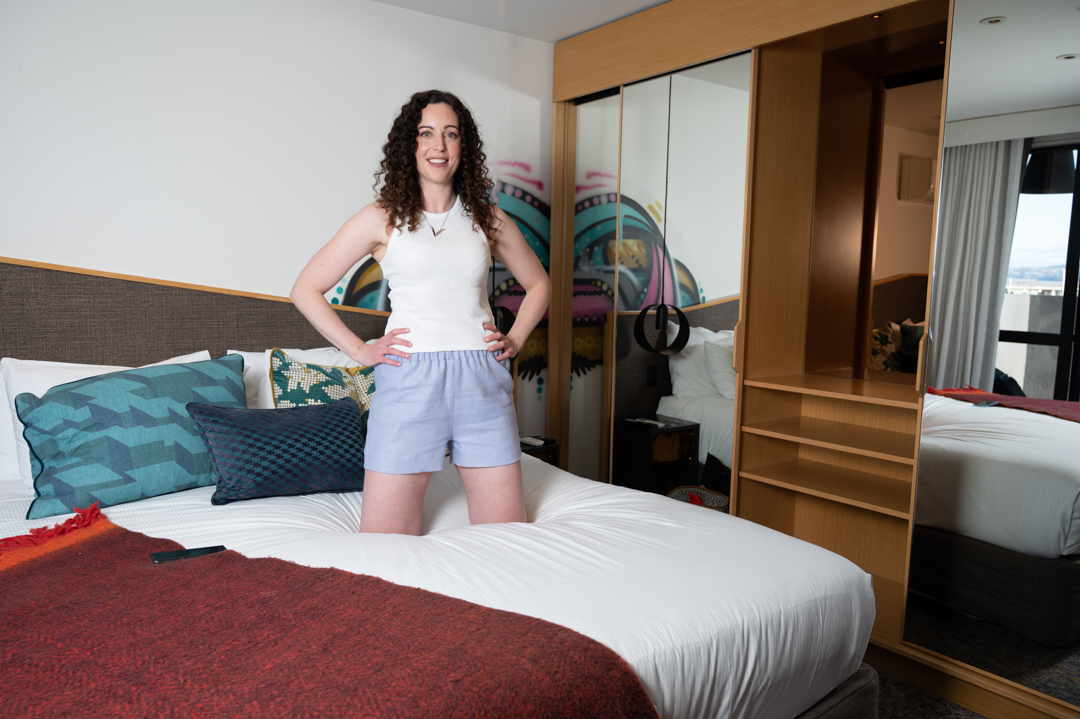
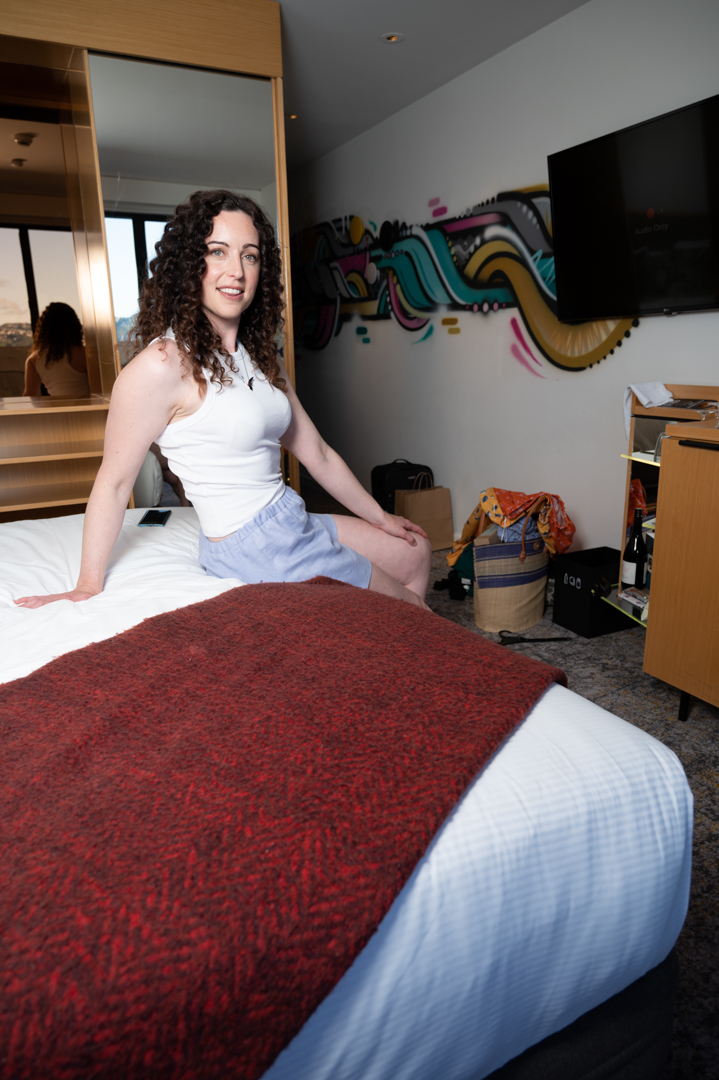
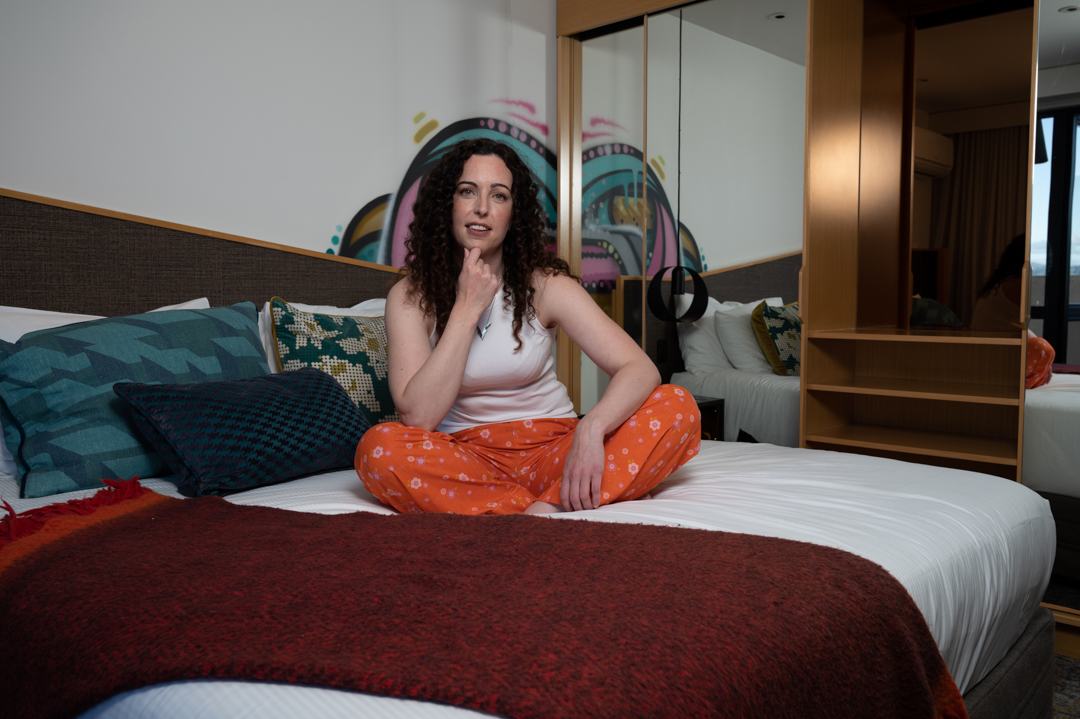
Within the collection was a number of outfits that were designed to be worn around the home. In fact they could double as pyjamas. As Marie had booked the hotel room I thought it was a perfect opportunity to use it as well.

While the room was reasonably well it was not providing me with the quality of light that I was after. So I decided to use flash to compliment rather than overpower the ambient light. I did this by positioning the flash on the balcony outside of the windows. In this way it was coming from the same direction as the natural light.

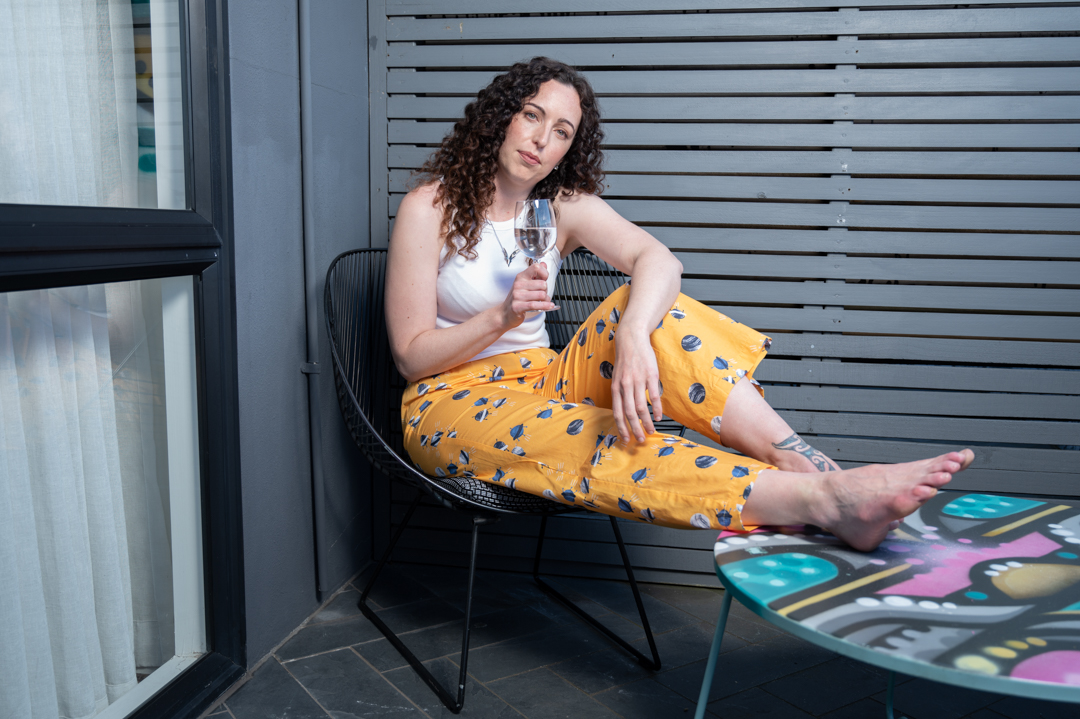
We finished the shoot with Katie relaxing on the balcony. Flash was used again. At this stage, the area where she was sitting was in too much shade.

Having flash available was a good choice. It meant I was not limited by what the natural light would provide. Choosing a small, soft speed light stand was wise. It is lightweight and not too difficult to move around with.

Mikki Summer – Shoot around the city

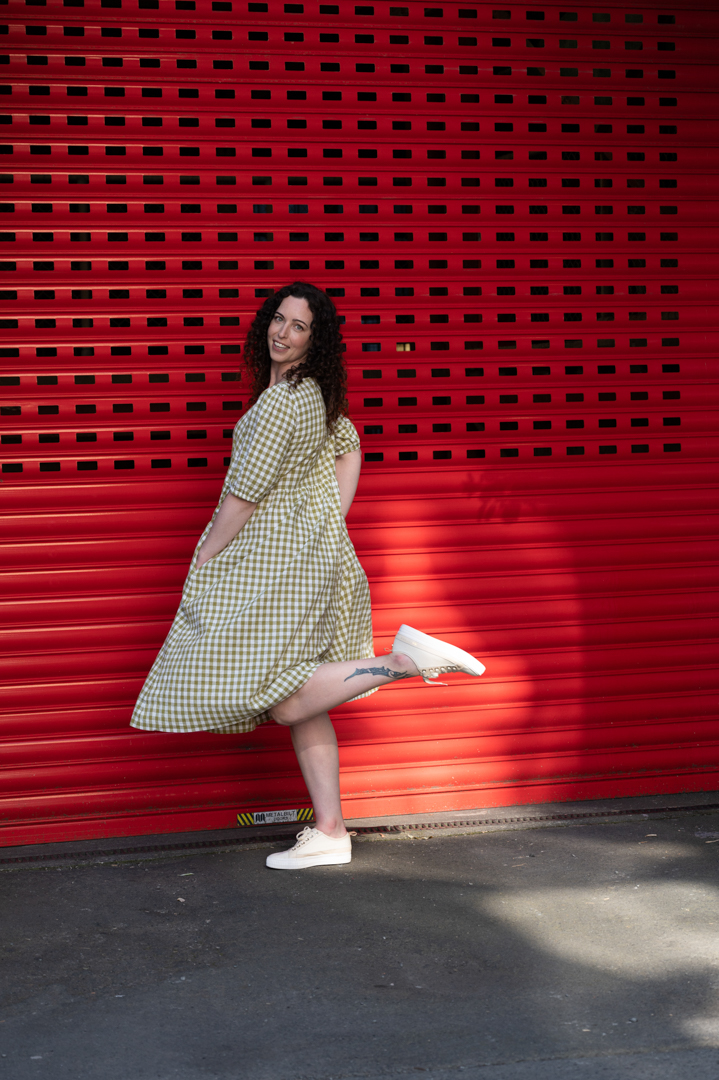
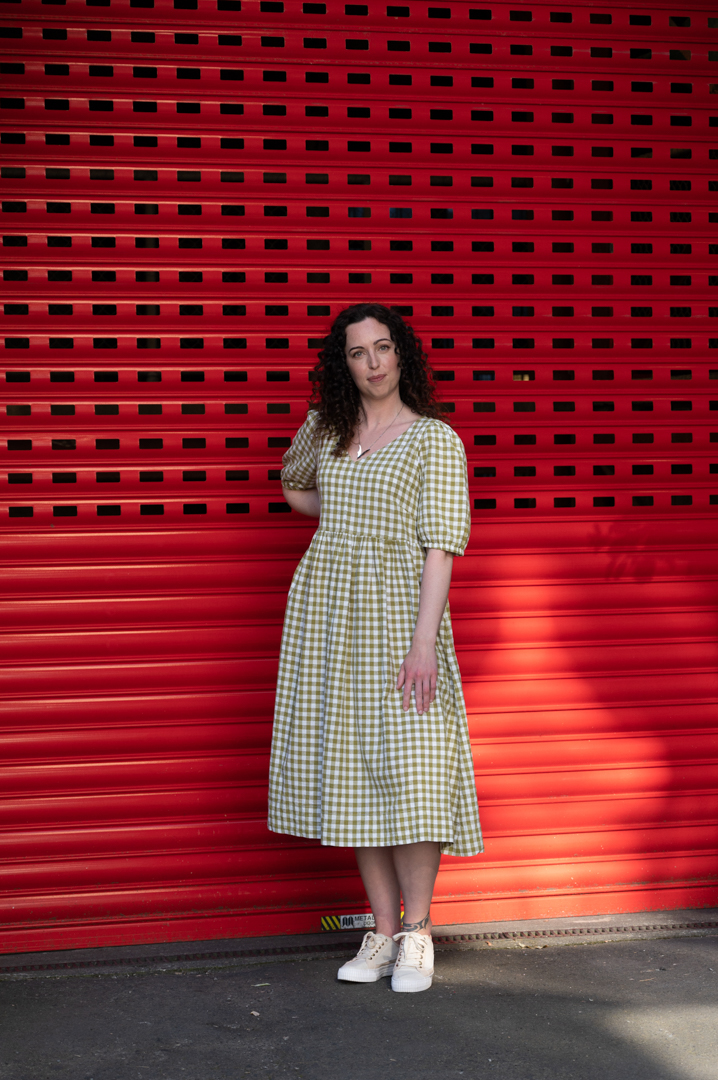
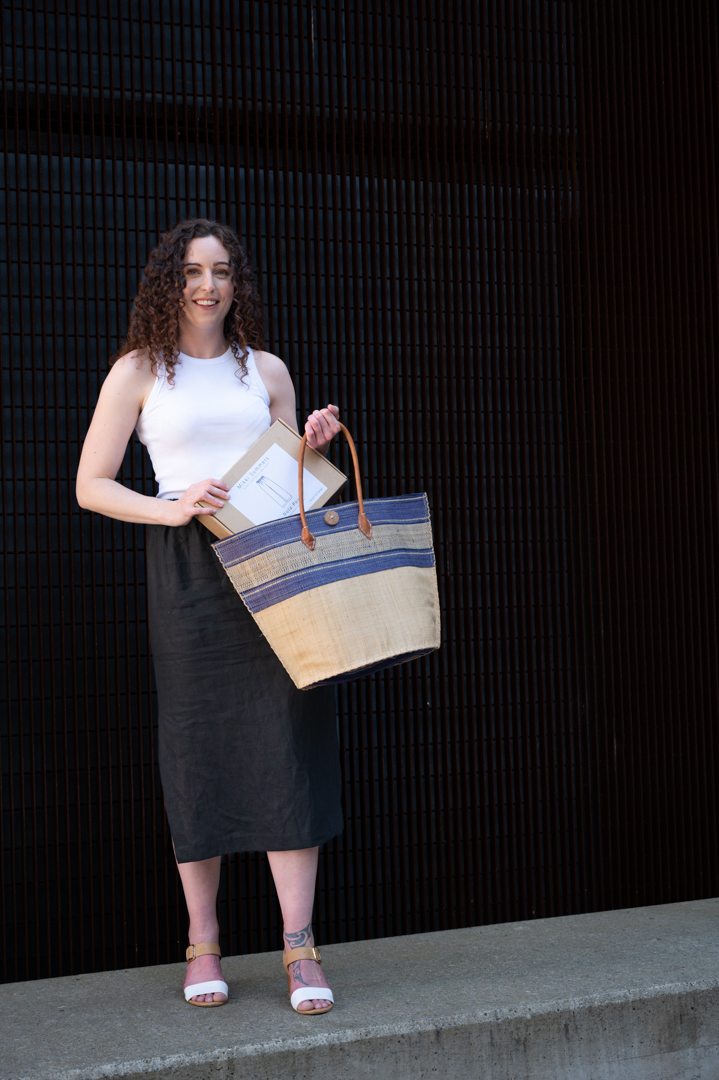
Mikki Summers (www.mikkisummers.co.nz) is a fashion brand created by Wellington designer Marie Wright. Rather than ready-made clothes they sell arrange of kits containing both the material and patterns for easy to wear outfits.

Marie is also a WOW designer. She was friends with some of the other designers that I had photographed. When she wanted images for a website revamp, she reached out to see if I was interested.

She told me truthfully that she did not where to begin with organising a shoot. So I arranged both the model and hair and make up.  I reached out to Katie who I had shot with on several occasions before to see if she was available. I figured that fitted the look that Marie was after. 

The shoot was planned for Wellington city. Marie booked a room in the central hotel. We used this as a base for the shoot.

I always like to scope out possible locations ahead of time. So, I travelled to Wellington two hours before we were here to start. This enabled me to identify locations that I thought would be suitable. This meant that I had a clear plan once the model was ready. I wanted to stay close to the hotel. This way, we did not lose too much time going back for costume changes.

We wanted to highlight the casual nature of the outfits. So, I picked areas that fitted the theme. I also knew of some interesting alleyways and backgrounds. 

All of the images shot with my Nikon Z6ii camera. All of the ones shown previously use a 70 -20 f2.8 lens. This meant I had total flexibility in how close or far I took the shots from. The camera was in Aperture priority mode at ISO100. The images were shot between f2.8 and f5.6 depending on how much of the background I wanted in focus.

All of the images below were shot using a 24-70 f4 lens with similar apertures.

Katie was a great model and we came away with a lot of variety of images. 

All of the images in this post used natural light alone. In the next post I will cover how flash was incorporated in several locations.

Liz Portrait Session

I have known Liz for a very long time. Over the years, I have shot several family group sessions with her. She likes to keep her images up-to-date. It came as no surprise when she asked me to do a series of images just of her.

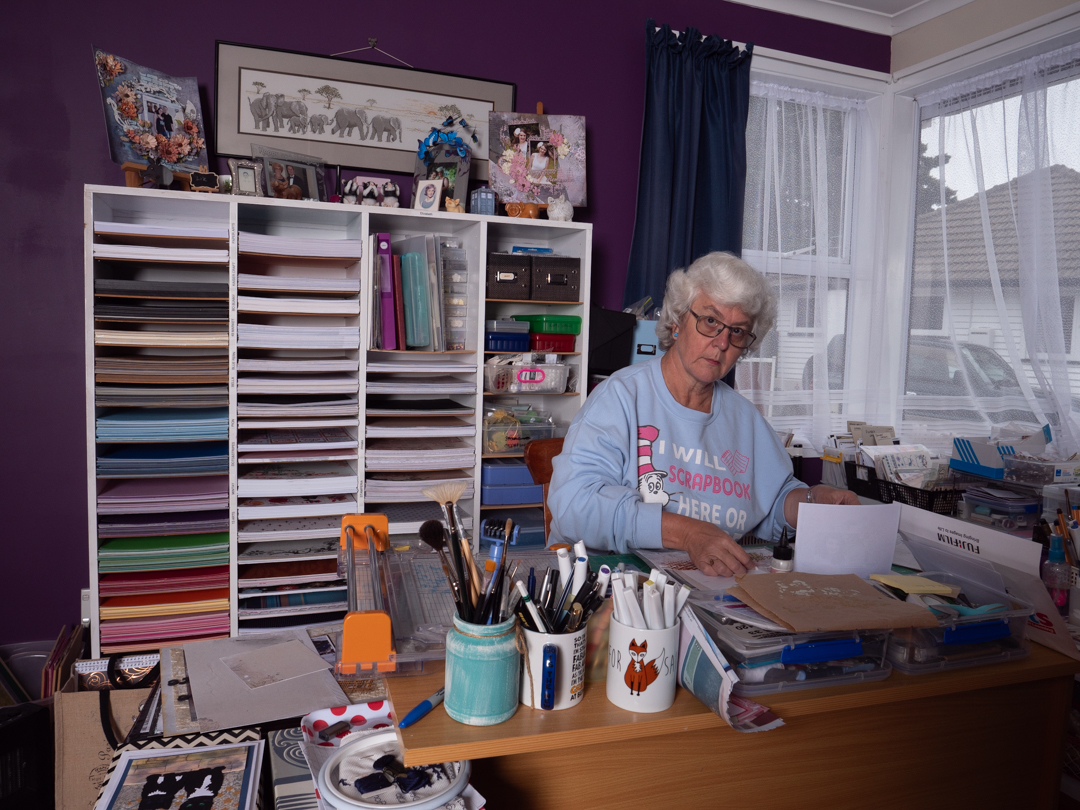
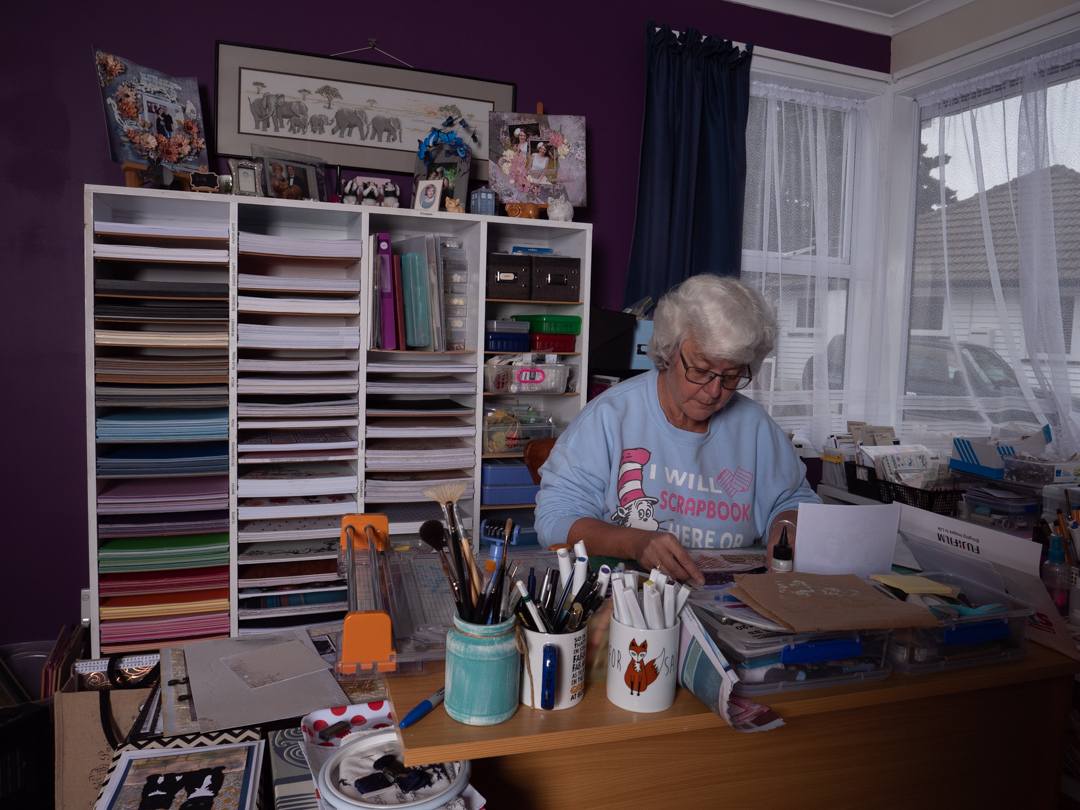
We shot several poses around her property. The one I’m focusing on here were taken inside her scrap-booking studio. It truly showed Liz’s love of scrap-booking. In photographic terms it is called an environmental portrait because the setting tells you something about the individual.

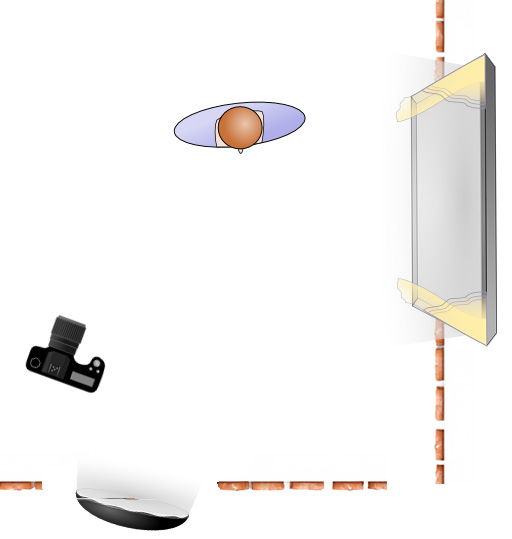
The room she uses for scrap-booking is small and pretty much full of her stuff. While there was a large window on one side this was not sufficient to fully light the room. I had to position my main light in the doorway from the hall. There was not enough room to position it anywhere else.

All of these images were shot on my Lumix G9 1/200s f7.1 ISO200 at an equivalent lens of 24mm.

Liz really like the shots as they she said they captured exactly what she loved doing.

Lucy – Creating a look

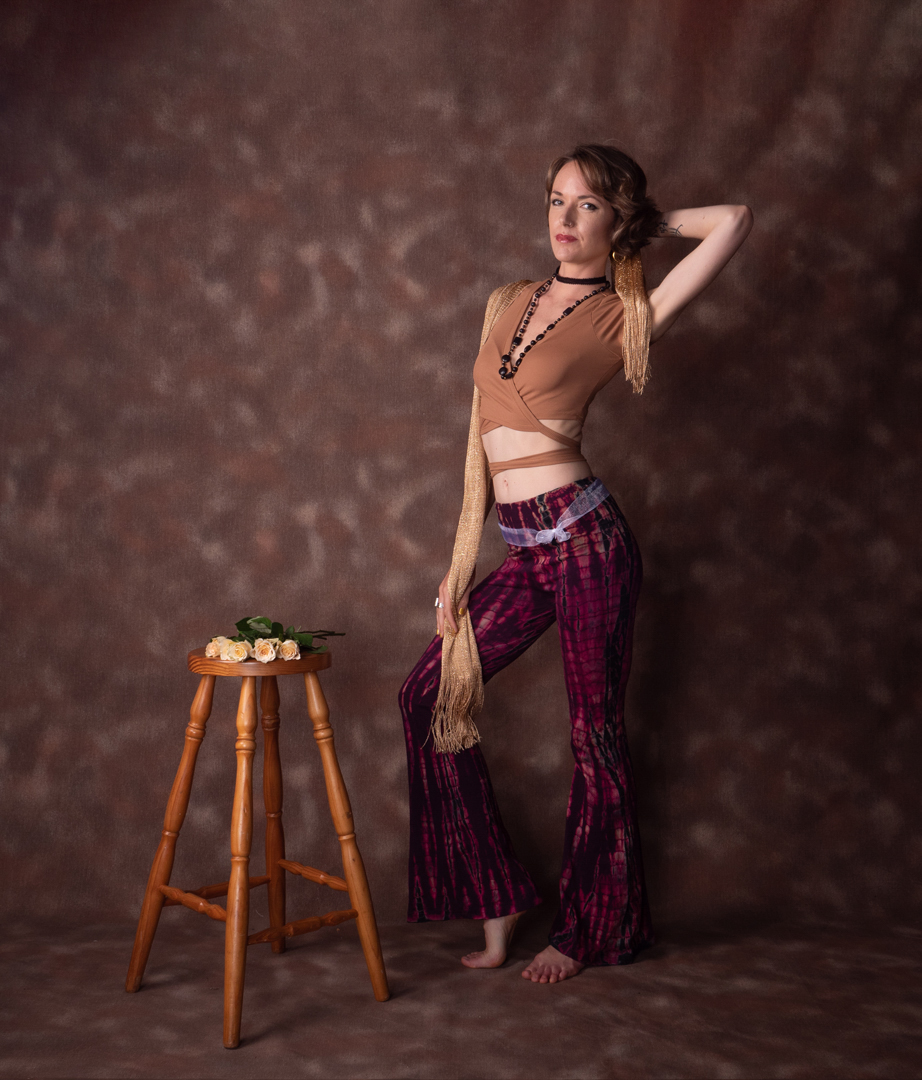
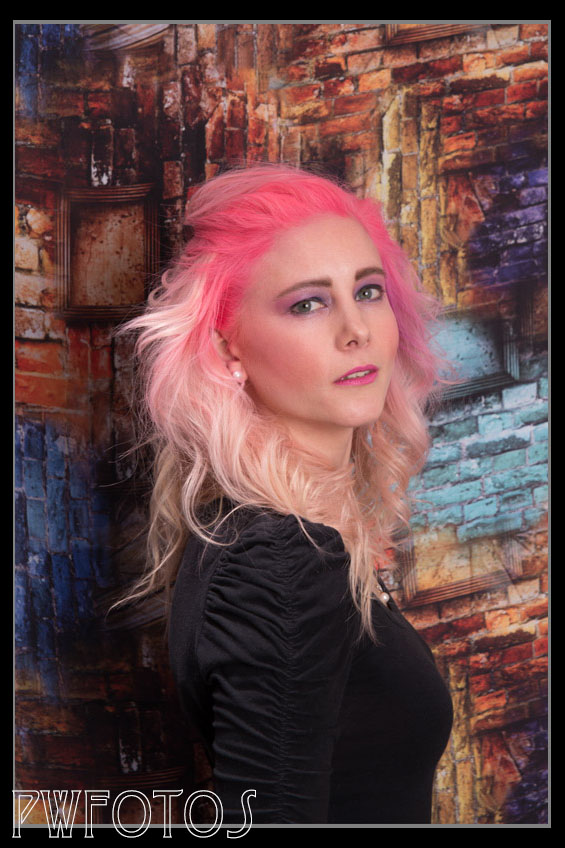
Lucy ran a coaching business. She was looking for some images to use in her profile. The images needed to express different aspects of her personality. She described them as being “rock chick” and “flower child”. Fortunately she sent through some sample images from a mood board so I was not completely lost.

I set up the studio in the garage. To give us lots of flexibility, I hung several backdrops over the top of each other. This way, we could quickly swap from one to the other.

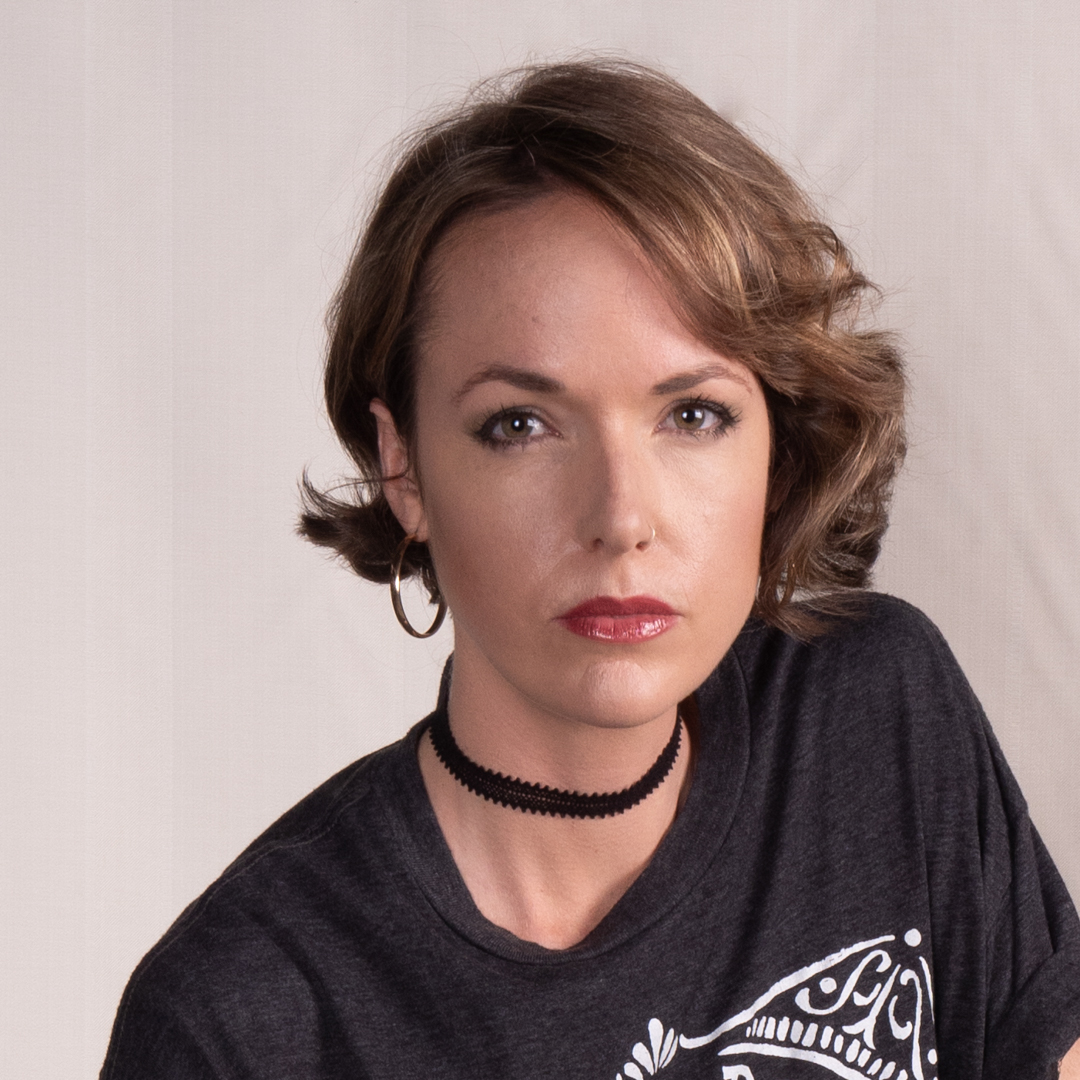
Lucy wore all black for the “rock chick” look. We initially shot against a plain background. I had envisaged the final image to be black & white.

However, to give us flexibility I also shot in colour against a very complex background.

For the “flower child” images Lucy got changed into something that screamed 1970’s. Fortunately I had a couple of cloth backdrops that came out of an old studio and also fitted the era.

I had a collection of old records and so we built them into a tower so that they could take part in the shoot.

This was a two light setup however the positions changed. For the Rocker images the main light was positioned camera right and was a large soft box. A beauty dish was positioned camera left to provide some fill.

For the Flower images, the lights stayed in the same position. For these images, the beauty dish was the main light. This give a slightly different look and feel to the images.

Lucy was pleased with the photos.

Photographing Art

One of the advantages of being part of the photographic community is that occasionally you get offered work from other photographers, when they don’t feel comfortable undertaking it themselves. This is exactly what happened when a friend contacted me to see whether I was willing to produce digital versions of the artwork that a local artist Bill Hunt was producing.

I have actually been photographing art works since 2011 when my wife started an arts diploma at the Learning Connexion in tighter lower Hutt. As part of her diploma she needed to document the work she had produced and she did this by way of a blog. That meant I was taking images of the various pieces she was producing.

As these images were largely for documentary, and not for sale, we did not have to worry too much about the final product being exact replica of the original. The pieces came in all shapes and sizes and on various materials which also created challenges in the photography. The set up for most shoot was simple in that we would take an easel onto the front deck and I would stand on a small stool to try to get the right angle. We shot outside so as to use natural light as this created a much even light across the whole image.

The major challenge that you face when photographing an art work on an easel is making sure that the camera is square on to the front of the piece. Otherwise you end up with distortion which has to be fixed in post. Some people attempt to deal with this by hanging the art work on the wall however even then you face the same issue as the hanging line will generally result in the painting being further away from the wall at the top than the bottom.

In 2018 my wife donated a piece of her art to a charity auction and then told the organisers that I could be available to photograph all of the donated pieces so that they could put them into the catalogue. This meant that the images had to be of a higher standard than what I have previously dealt with.

When art work is photographed by professionals they generally use a rig that holds the camera absolutely square to the image. For the auction catalogue I recreated such a rig by putting the camera on the boom arm and using the Panasonic image app to see the image and control the camera. The paintings were laid on top of the white sheet on the floor in the doorway of a garage where they were being stored.

I had placed a level on the floor and got that reasonable straight in camera. That was then used to position the various pieces, and meant that I did not have to play around with each image. That saved a lot of time especially as there were over 30 pieces to photograph.

While the camera/lighting arrangements meant that I could shoot fairly fast and that the paintings did not have distortion, I did face a problem that the light was coming from one direction. This was particularly in an issue on the number of pieces that were behind glass or had a highly reflective surface. These images had to be corrected in post.

Fast forward to 2020 and the request to reproduce Bills work, which I know were acrylics painted on canvas. This was going to be a completely different requirement because the end product needed to be exact copy of the original because it was intended for sale. I also wanted to create a setup that was easy to put together and take down so that I could replicate the process, assuming that the first shoot would end up with further work.

I looked at a number of YouTube clips and settled on an arrangement using two large square soft boxes placed at 90° angles to where the canvas would be seated. Both boxes were at the same power and positioned at the same angle and distance from the centre of the easel support. To make sure that the light settings were identical I metered across the board placed on the easel and confirmed that I was getting a consistent f9.

The camera was placed on a tripod and tethered into my computer using the Panasonic tethering app. This meant that I was seeing the images come up at 27inch and not the back of the camera. This mean that I could really nail the focus.

The app has a really great features that make this sort of work a lot easier. Within the live view (which lets you see exactly what the camera is seeing) you have grid lines but also the ability to place guidelines.

We would position the first piece of artwork on the easel and then drag out a vertical and horizontal lines on the canvas. We would then tweak the angle to the camera, or the easel, to the get the image as straight as possible. Once we had that as close as we could then each of the art pieces at that size would be photographed.

We would adjust the guides only when we were moving to a different size piece.

This worked out really well. We did face an issue that not all of the canvases were actually square at the corners and so on some images did need some fine tuning in Photoshop.

As it turned out Bill was pleased with the first session and I have done two further sessions with his work.

Fitness Shoot with Simon

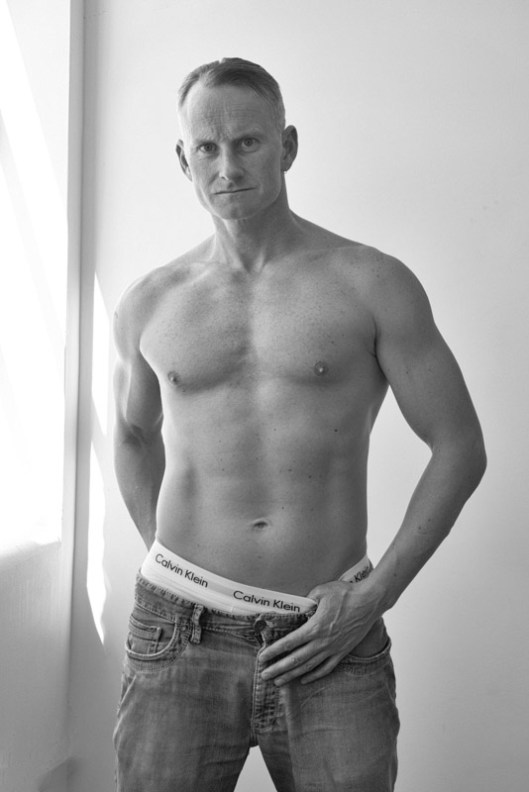
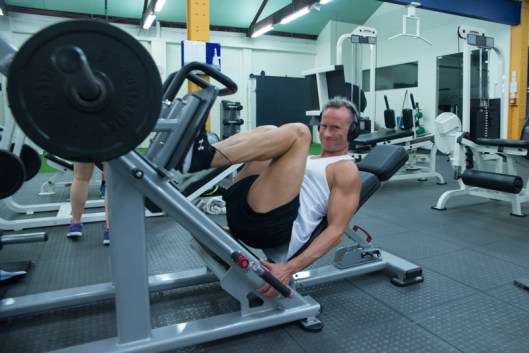
LR-Colour-60While I have been photographing portfolio sessions of people for a number of years, if you look at my work, you will see that the vast majority are women. So when a friend suggested me to her friend I jumped at the opportunity.

Simon is a personal trainer who operates out of a local gym. He has a background in marketing so when we initially met he had some very clear ideas what he was after, and also what he did not want. We agreed to do two separate shoots, one being in a studio and the second in the gym.

For the studio shoot I had originally booked a place in Upper Hutt that is set up as a full photographic studio. Unfortunately it is based within one of the grandstands at Trentham racecourse and on the Tuesday before the shoot I discovered that another event being held that weekend would make access to the studio virtually impossible.

I then reached out to Freya who runs Poleclass.co.nz in Wellington. I had shot in her place a number of years ago. While the space did not have all of the gear of my original choice it had large spaces as well as large area of natural light which I ended up utilising for the shoot rather than relying on the studio strobes.

We finished the shoot in an alleyway behind the studio for a completely different look. Simon had asked for a quick set of images for social media so that night I selected and processed 7 images to send him.LR-Colour-34

For impact I decided that most of the images from the first shoot would be presented in Black & White.

LR-BW-9 LR-BW-6 LR-BW-4

The second shoot took place a fortnight later in a central gym. We scheduled it for late in the evening to ensure that less people would be around. For this shoot I initially started using a single speedlight with an umbrella, however that started to give me some issues in that it would not recycle quick enough. Eventually I ditched the light and cranked up the ISO and shot with the available light knowing that as the images were being shot in RAW I could correct the colour cast that the fluorescent lights would introduce. This worked out quite well.

LR-Colour-55 LR-Colour-46

Simon appears to be very pleased with the images that he received.

A day at the Salon

One of the things that I firmly believe in is if someone helps you out then you should return the favour. Tiffany Williams, who is the makeup artist who helped me out on the Book Queen series, works at Tawa Hair Salon. They wanted to do a series of shots that promoted what they could do and I was more that willing to help out. The images from the shoot were intended to be used both on Facebook and in print.

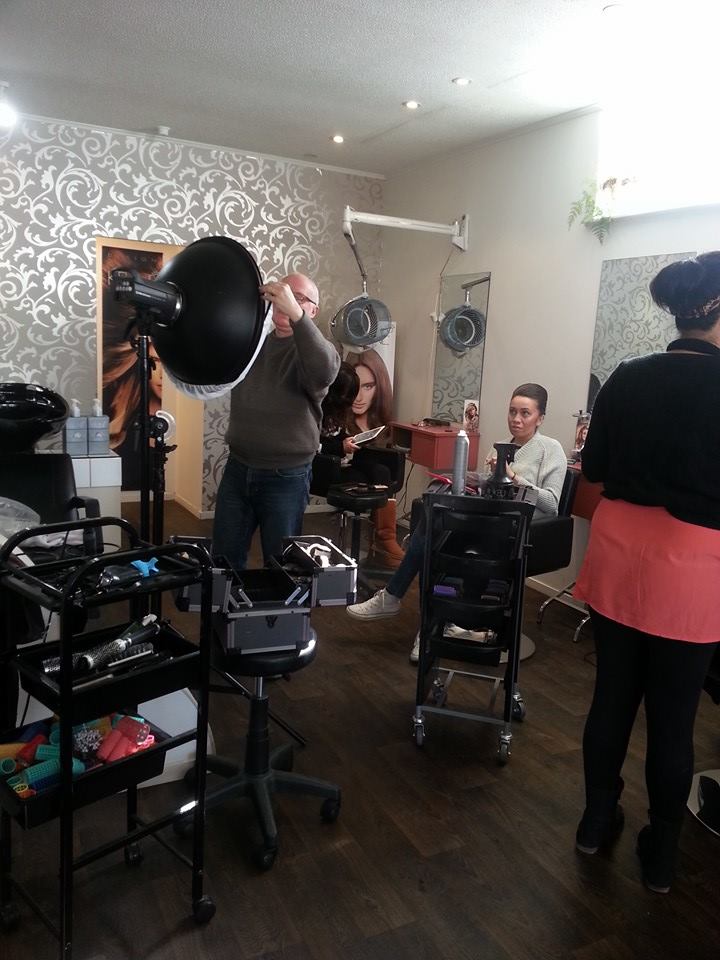
Setting up for the shot. In the end the beauty dish was not used.

So last Sunday I ended up at their salon for the shoot which consisted of three female and two male models.

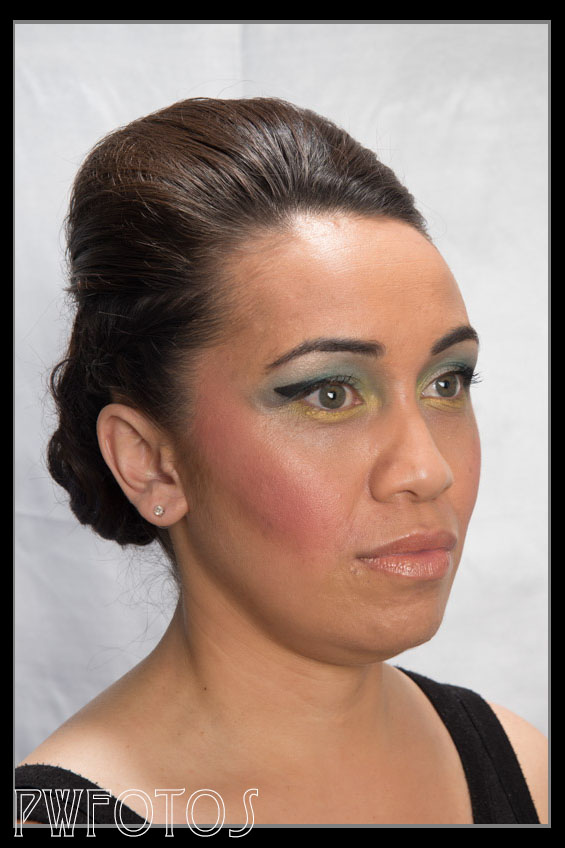
Taking photographs of hair dressing is quite tricky. While it is simplistically a portrait you are trying to bring out the details in hairstyles and this can present an issue depending upon the colour of the hair.

The original intention was to shoot each model on a number of backdrops so I set up a white, blue and multi-colour backdrops in such a way so it was a simple matter of changing them. This would enable them to use the same image in different setting. As it turned out the white background was the only one suitable for all models.

This pullback shot shows the position of the hair light.

I used a simple two light setup. My main light was slightly to camera right and was in a 1×1 metre softbox. A second light was fitted with a small gridded reflector and mounted on the end of a boom arm. This was then positioned either above or on the opposite side of the model to bring out the highlights in the model.

I did experience some issues with my gear early in the shoot and there was a couple of minutes of panic as the camera refused to fire. Fortunately it resolved itself however it did reinforce the need to ensure that you have back of key gear available.

I am quite pleased with the results and I hope that the client is as well.

LR_Carter-3 LR_Chalanda-1 LR_Kat-3 LR_Kat-6 LR_Kat-9 LR_Luke-2 LR_Shanell-3 LR_Shanell-8

Swimmall – reproducing mannequins

At the same time as running Ministry of Swimming my client also has created a second website called “Swimmall” where he is selling both his brand and other brands. As some of his suppliers already supply him with images the shots taken for this site had to fit with a strict standard. Basically each suit had to be shot on a white background with the model in facing in such a way that you saw the front, side and back of the suits. I joked with the models that these were essentially mannequin shots for them as you could easily replace a model with a mannequin and get the same result.

suit11_blend

The shoot did not present any real challenges however after I had shot my first model I realised that a little forward thinking would have saved me a lot of processing time. You see Emma was shot in my usual style of hand holding the camera and I was also adjusting the focal length to get what I considered the best shot. This was a big mistake because it meant that I had three images shot from slightly different angles and sizes that I then had to compensate for in post. Not difficult but all adding extra time.

For the rest of the models I shot with the camera mounted on a tripod and left the focal length alone. This meant that no images needed any tweaking in this regard.

Ministry of Swimming 2012 Update

As it had been over a year since I did the original shoot for the Ministry of Swimming website I contacted the owner to see if he needed any new images. This was indeed the case and this time they were all swimsuits.

I ran a casting call and selected fours models to assist as the suits ranged in size with a number being only prototypes rather than the full size. One model failed to show so my daughter ended up stepping in at the last minute.

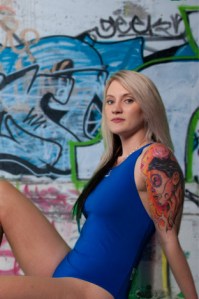
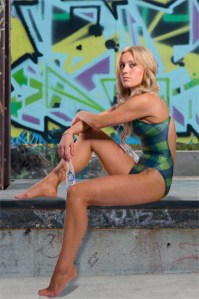
The client wanted the same urban style theme as we had come up for the original which was a little challenging when there were 23 different suits and unlike the goggles they did not have names, so there was nothing to guide me on. Still we managed to do it and over a week we shot all four girls in the studio as well as finding new graffiti art to composite in.

The images were delivered tonight and the client was very happy with them which is the result that I was after. Next year we are going to get some male models to complement to series.

suit6_large suit8_banner suit8_large suit9_large suit11_large suit12_large suit17_Large