Catwoman in the headlights

My second shoot in the 2023 Wellington Cosplay Photo Fest was with Dawn.  

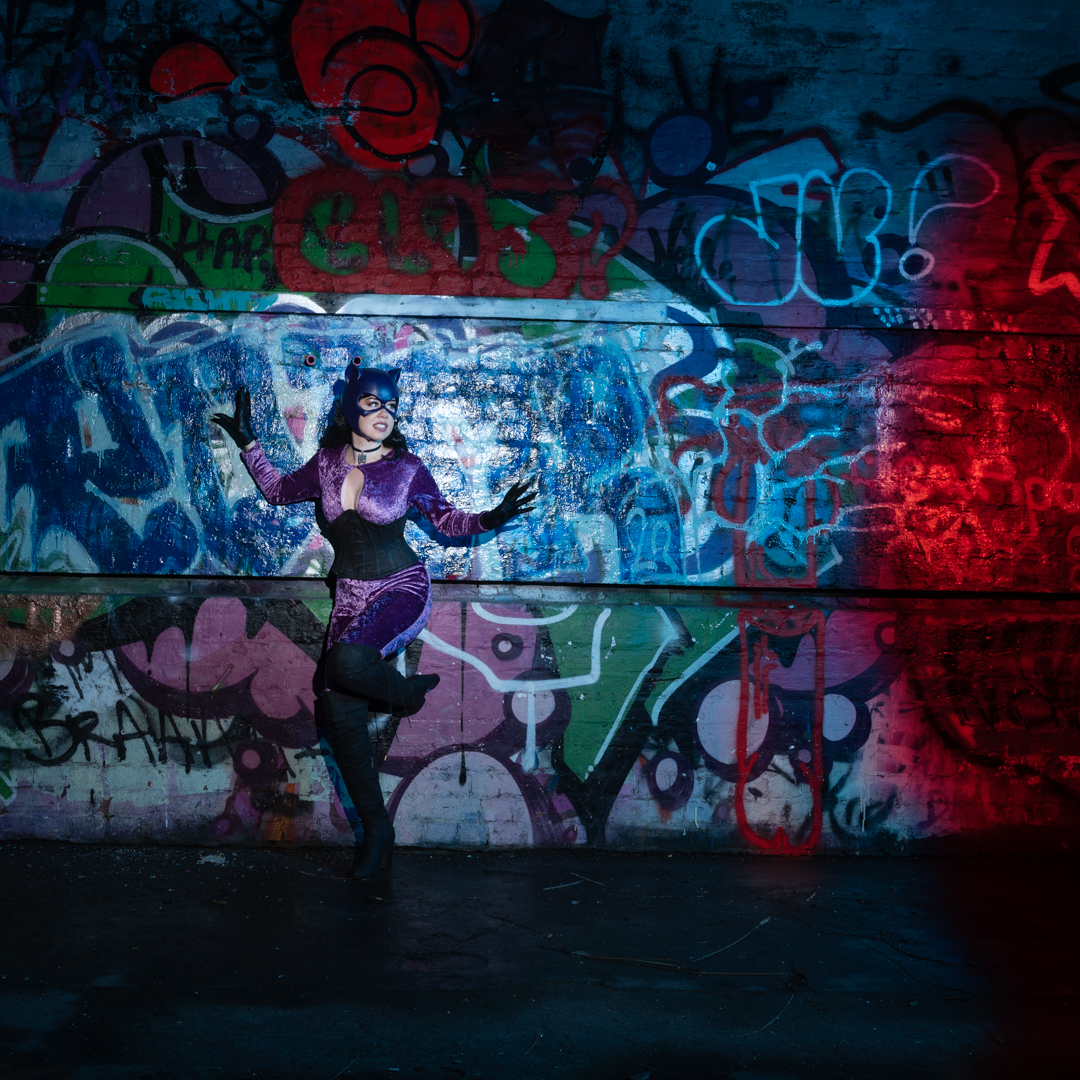
She was cosplaying Catwoman from the Batman series. Her costume was based on the original 1960’s television series. It was not based on the later movies. 

For the shoot we chose Fort Balance which is an old World War 2 gun emplacement on the Miramar Peninsula. It is a favourite location for shooting. It has many great areas with a never-changing array of street art.

I am splitting the shoot into two post as the lighting for each was quite different.

For the initial shoot I had a concept of Catwoman being caught in the headlights of a police car.  That meant that I wanted to have both blue and red lights illuminating the scene. Within the complex, there are a couple of rooms where there is next to no natural light. I knew they would be perfect for what I was wanting.

My camera was set at f8 1/200s and ISO100. This is my normal setting for studio work as it ensures full control of the light. Really given that I was in darkness anyway, I could have chosen different settings. But there is a little point in playing around when you know what works.

The original plan was to shoot using two speed lights at the same time. One would positioned camera left with a blue gel. The other would be positioned camera right covered with a red gel. This would have resulted in a wash of light.

The complex is on the top of the hill. It is just under a kilometre walk from where you can park the car. I decided not to carry all of the gear uphill. I chose what I thought I needed and left the remainder in the car. Unfortunately, when we went to set up the shoot, I realized the trigger for the second flash was in the car. It was not with us.

I decided not to waste time going back together. Instead, I repositioned the light. Then I took two shots, which I combined in Photoshop.  This is not that difficult to do although I would have preferred to have shot in the field. It did require Dawn to replicate poses. Fortunately she was able to do this.

Apart from the mess up with the missing equipment, this part of the shoot went well. I was really pleased with the finished image.
Cosplay with Ann-Marie

Each February there is a weekend event organised called the Wellington Cosplay Photo Fest.  Photographers and cosplayers from around New Zealand and Australia into the interest in attending the event a couple of months before. The organiser then matched photographers with cosplayers so that each photographer started off with two assignments. Once you have your allocation you arrange shoot times. You are also free to organise other shoots once you have completed your allocation. 

2023 was the fourth year that the event had run and that I had taken apart. The 2022 festival was one of many that ended up being cancelled due to Covid so people will really looking forward to the this year’s event.

As the event coincided with a really busy time for me I only elected to photograph the two cosplayers that I have been assigned. I booked both shoots for the same day. I also decided that I would choose locations fairly close to each other to minimise travelling.

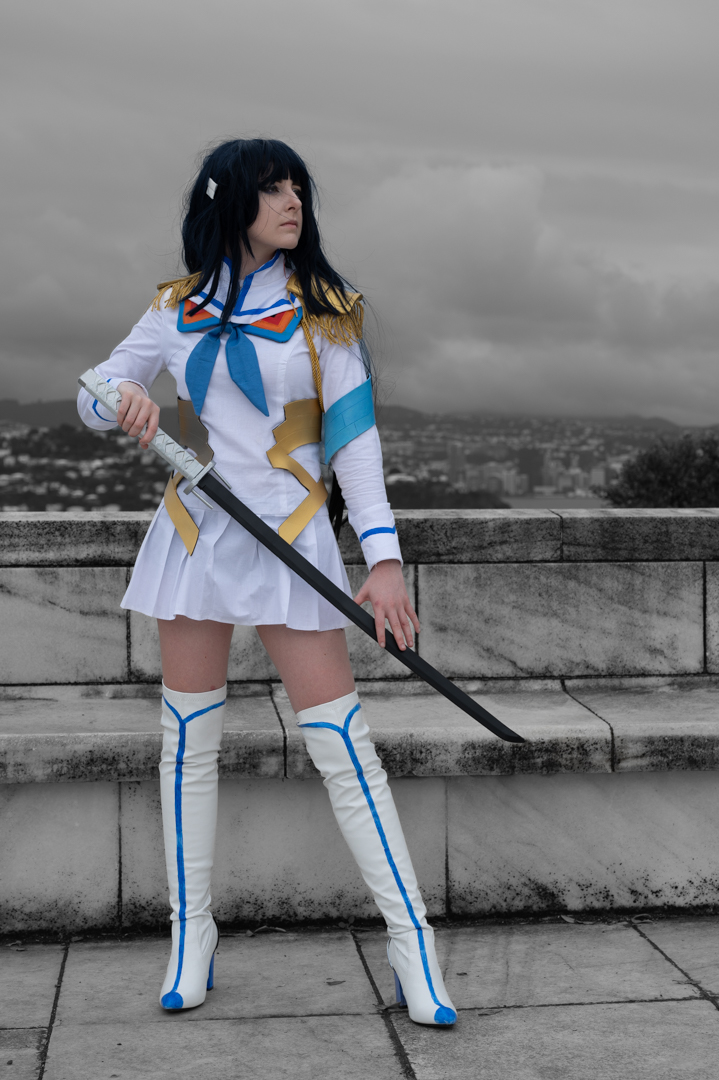
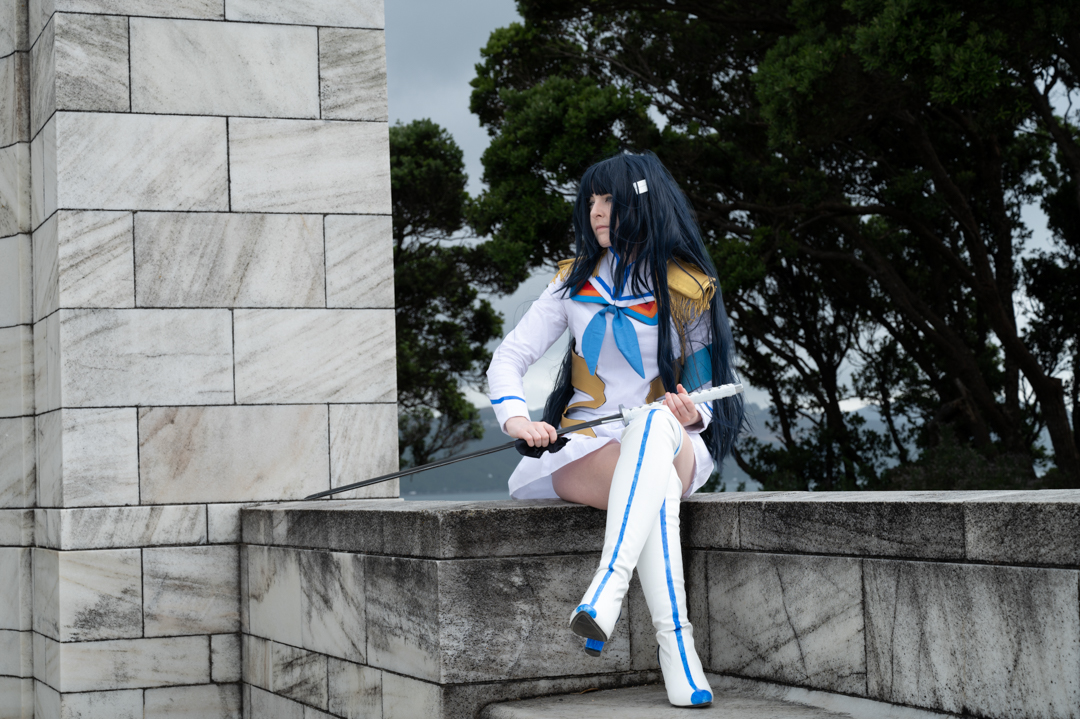
My first shoot was with Ann-Marie who was cosplaying a character from Japanese anime. The Japanese anime seems to be very popular especially with female cosplayers.

For the shoot I wanted something dramatic as a background so we chose the Massey Memorial, which is at the southern tip of the Miramar Peninsula. This is actually the mausoleum of the former Prime Minister of New Zealand William Massey and his wife. It is constructed a white marble and is quite impressive.

We started with some basic shots of Ann-Marie with the city in the background before then moving to a more complicated set up that I had in mind. 

The rear of the memorial has a large curved wall with gaps in it.  I thought this would be great to use in a composite by shooting Ann-Marie separately in each of the gaps and then bringing it together. 

To achieve this the camera was placed on a tripod as this made merging the shots much easier later on. When we were shooting in daylight I wanted to have a pop obliged on Ann-Marie so I had a speed light in a small soft box.  Ann-Marie had brought a friend to the shoot to help her with her costume and so she ended up being my portable light stand. 

The images came out great and It was a simple matter of putting them into Photoshop and then using masking to create the image that I wanted. 

I started the shoot using Aperture Priority with setting between f6 and f6.3. For the composite image I used f10 as I needed a decent depth of field given the curve in the structure. After I shot this, the camera struggled to give me the desired exposure. I switched to manual mode and used flash to highlight Ann-Marie against the background. 

I shot from different angles so that the images did not look all the same. I had also shot sequences of Ann-Marie with the sword and so I created composite with these as well.

By chance while I was processing the images I came across a YouTube Club on how to create cartoons from images. Japanese anime started in comics I thought this was quite appropriate so I produced an image that she really liked.

Morgane in the Pool

Morgane and I spent about half an hour shooting around the garden. It was then time to head into the pool. Unlike the previous three pool shoots, Morgane had a new preference. She did not want to use sheers but rather preferred to be in a bikini and coverings. 

As I mentioned in my previous post Morgane wanted to do her own editing of the photos. Therefore, several images on this page are straight out of the camera. They show the surroundings of the pool.

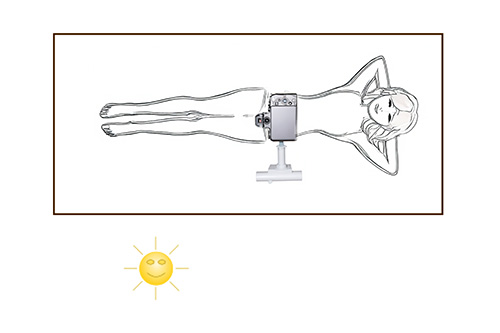
We started the shoot around 6:00pm in the evening. We did not have to worry about high overhead light.  As the day was also reasonably warm we also had time so I positioned my Lumix G9 on the end of the boom. The image below shows how the camera is connected to the boom arm.

The actual connection is not designed for this purpose. Rather it is a bracket to attach a collapsible soft box to a speedlight.  It worked really well for the camera, especially as it enabled me to get it completely level to my subject. I was controlling the the camera via the Panasonic app on my iPad.

The camera was set in Aperture Priority at f8 as I wanted a decent depth of field.  ISO was set at 800 as I wanted to ensure a reasonable shutter speed. The images ended up being between 1/125s and 1/200s.

I took the overhead shots. Then, I repositioned the camera. I shot close to the water, which enabled me to get Mogane’s reflection in it. Because it did not want too much focus on the background I stretched some frost cloth behind the pool

The light had faded somewhat by the stage. So, I positioned a speed light with an orange gel at a very low power to camera right. This added a kick of golden light into the images.

We are both pleased with the results of the shoot.  It was interesting shooting the same scenario with four different models at different times of day. I would learn heaps from each shoot that I would then apply to the next one.

I had thought that Morgane was the last of the pool shoots. However, the following month, I did one more. That will be covered in a subsequent post.

Morgane in the garden

The final pool shoot in the series that I had booked was with Morgane. She is both an experience model as well as a photographer.  The shoot was different on a number of rules from the previous three.

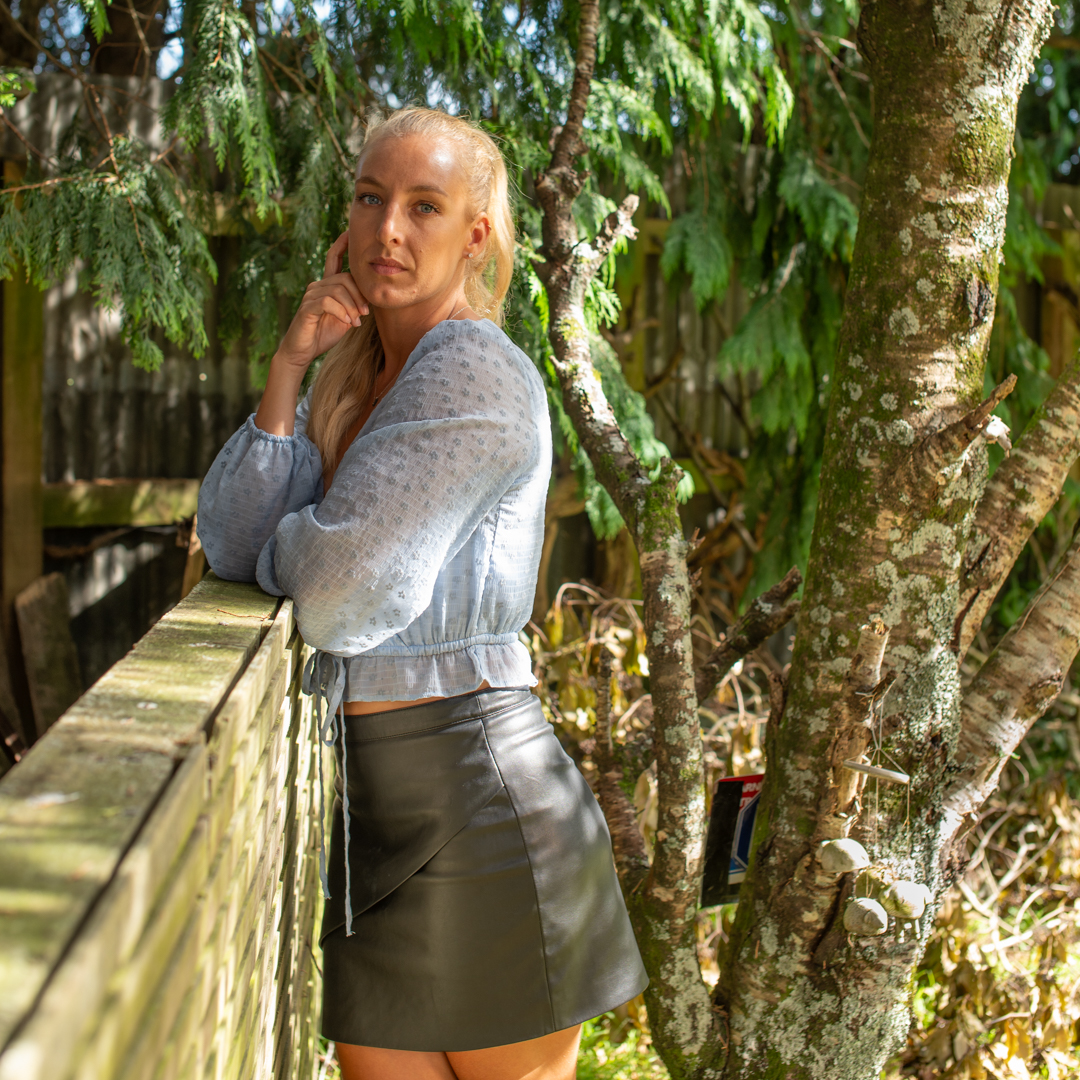
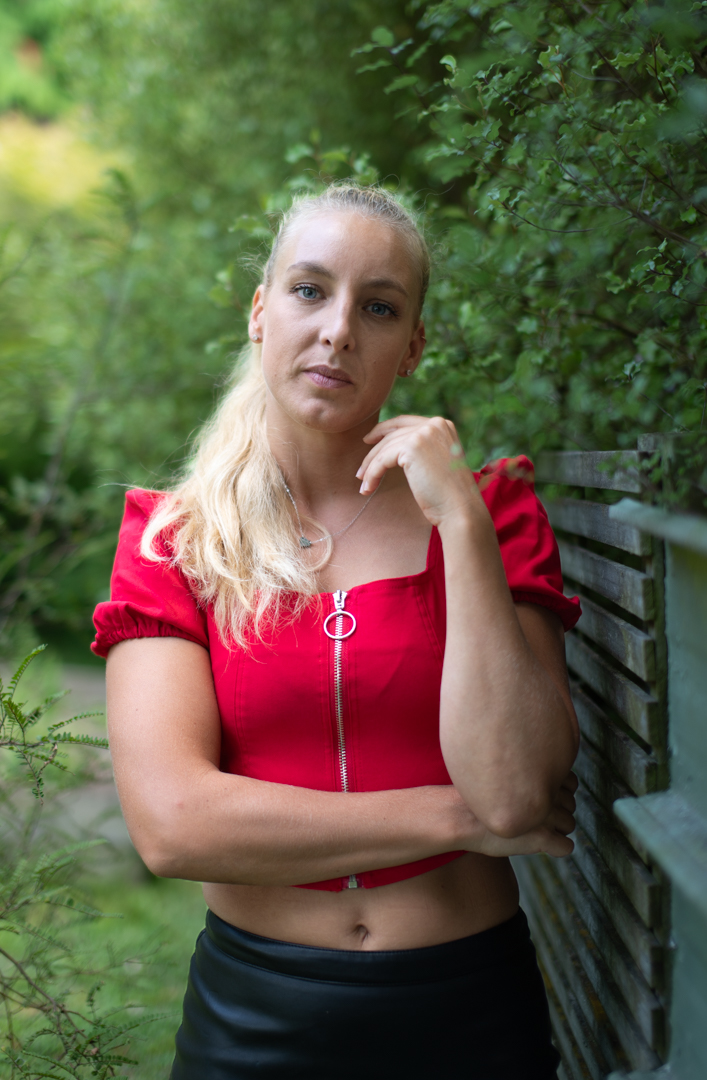
Firstly she was not interested in doing a shoot in the studio. She requested that we shoot around the garden under natural light. The second difference was that she likes to edit her own images so images from the shoot receive minimal processing from Me before they were provided to her.

We planned the shoot for the early evening to ensure that we had the best light based on the experience from the previous three pool shoots.  As I was not going to be restricted by the size of my studio I decided to shoot differently. I fitted my Sigma 50mm f1.4 prime to my Nikon Z6ii and all of the images were taken with that. It is a great lens but not when you are in a tight situation and trying for full length images.

Because I did not want the background to be in focus the camera was shooting at f1.4 using aperture priority.  This meant that the shutter speeds ranged from 1/160s to 1/400s.

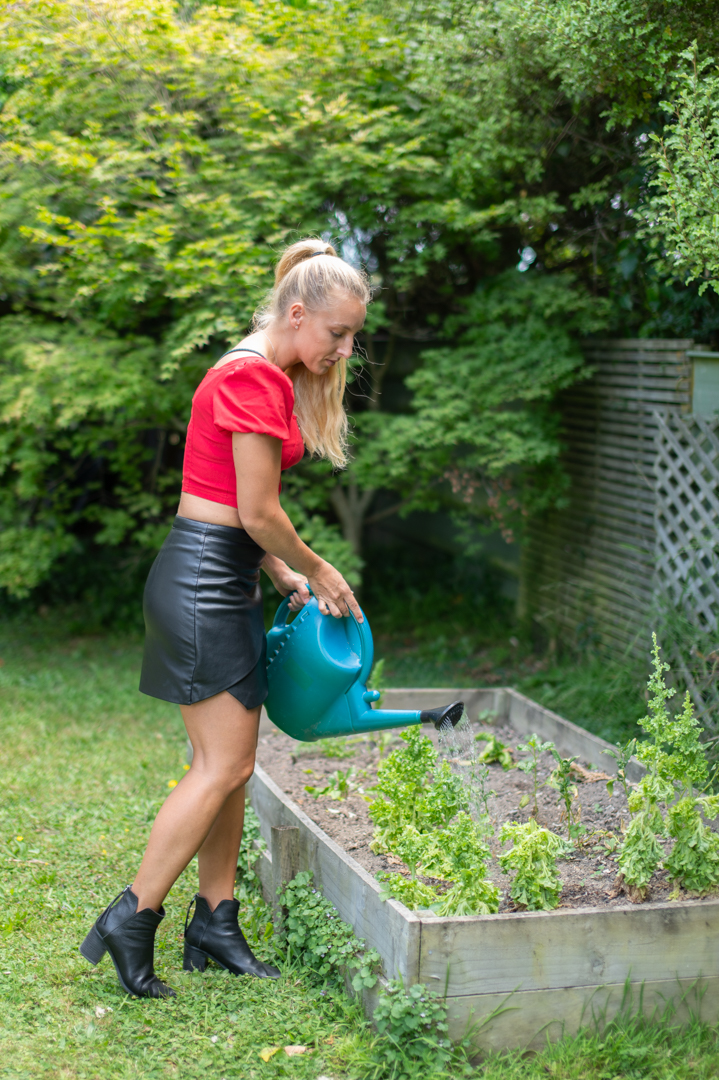
Morgane brought some variations in her outfit and towards the end of the shoot we brought in the watering can so that it was not static posing.

At the end of the shoot I had a pose with my vintage camera that I incorporate in all of my model shoots.

Kaylene Pool Shoot

Once we had finished the studio shoot we headed out to the pool.  

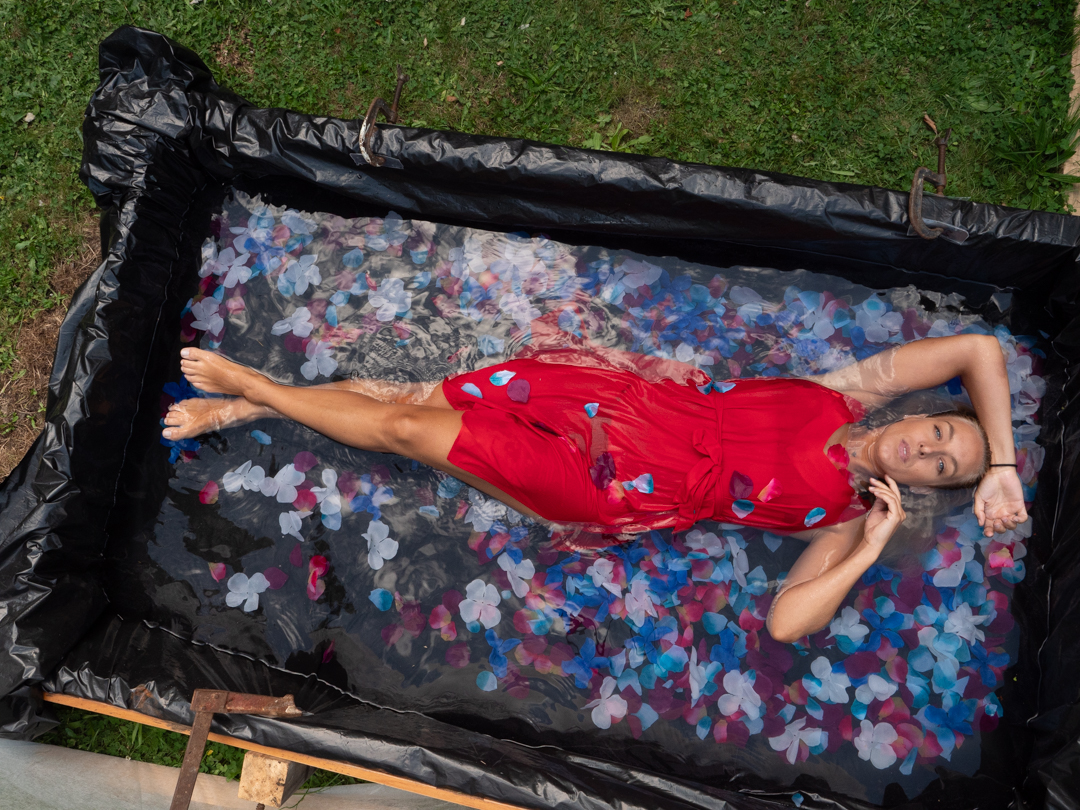
We scheduled the shoot for much later in the day. I knew this timing would give us much more control on the light. The pool was positioned north south. By 5 o’clock, it was in the shade of a line of trees on our boundary. This meant that I did not have to deal with the direct overhead light. 

The light levels were lower than I preferred. I needed to set ISO800 to maintain reasonable levels when shooting at f7.1. The camera was set in aperture priority mode with the overhead shots taken at 1/100s. The ones lower down were taken as 1/50s. This speed is quite slow for a portrait. However, the Lumix G9 has brilliant stabilisation built-in. I can handhold to almost the second.

Unlike the previous weekend the weather was warm and the pool had a chance to warm up. This meant that we had the time to set up the camera overhead and control it via the Ipad. Even so the total shoot lasted only six minutes.

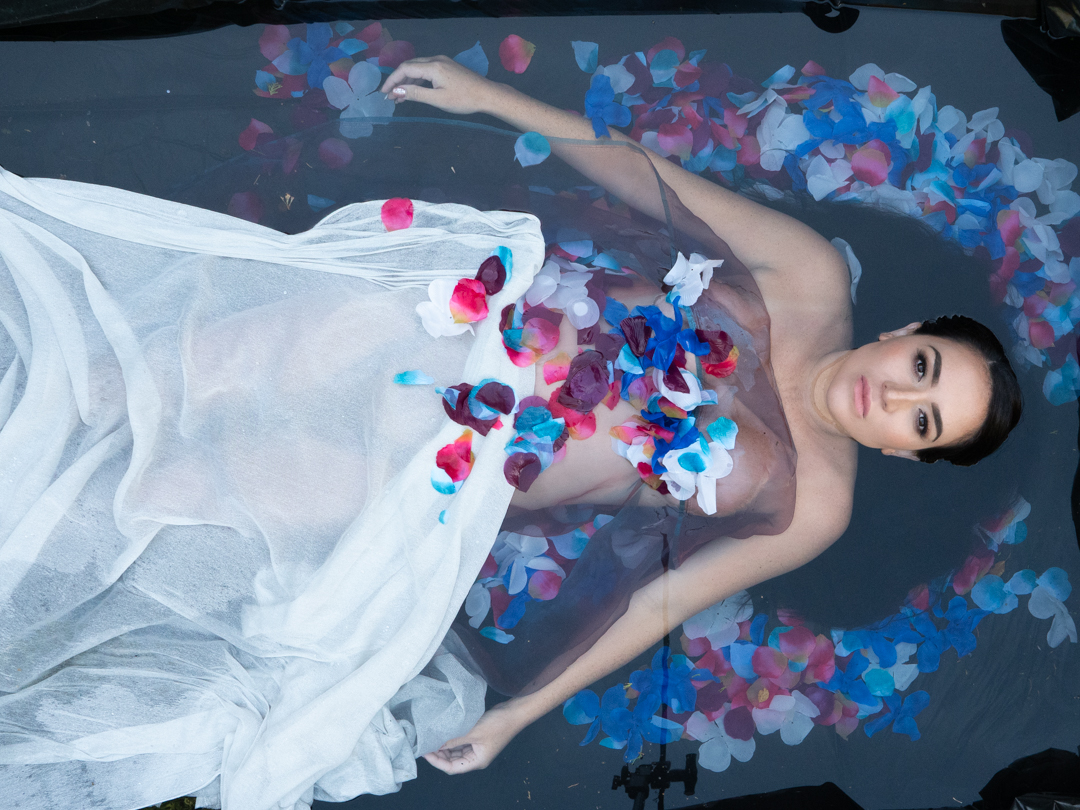
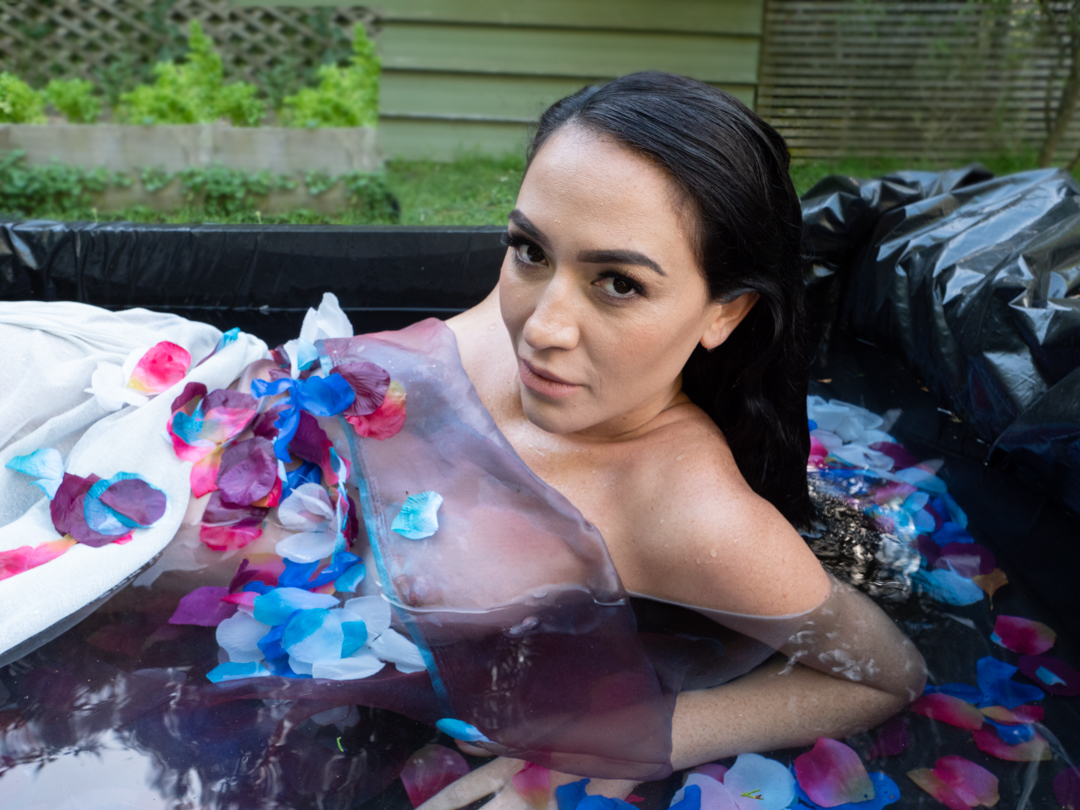
The flowers were fabric which meant that they behaved completely different to actual flowers. Real flowers float whereas the fabric only stayed on the surface for a short period of time before sinking.

The boom arm and camera did appear as a reflection in the image. Knowing that this would happen I was careful where it was positioned. Then it was I knew that I would have to fix this in post. This was achieved mainly using content aware fill. In the lightest version of Photoshop, I would use the Remove tool. It does a much better job of removing such distractions.

This was a great shoot and again I learnt important things to build into the next one. The most obvious was that I needed to work out the background in someway. I had been removing elements in Photoshop but I figured it would be easier to do it in-camera. 

The final shoot in the series booked for the following weekend so I did not have much time to wait.