Corpse Bride – Part 2 Ghost

This is the second post from my 2022 Halloween themed shoot.

If I’m going to the effort of costuming a model I want to get the maximum amount of shots from the session. Given that the theme was corpse bride I thought that it was quite appropriate to have her as a ghost in a graveyard.

Not far from home is an old church with a section a small section of graves that date from the late 1800s. I am always mindful of the sensitivity about shooting in graveyards. For this reason I decided that I would composite the image rather than take Devon to the site.

The actual show was scheduled for a Sunday so on the Saturday I went to the graveyard at around the same time that I figured we would be shooting the next day. I did this so that light would be as close as possible to that on the day.

The back of our old garage has a plain wall and the ground was covered in onion plant. This had two advantages. Firstly, the wall made it easier to cut Devon out from the background. Secondly the plants covered her feet. Composing a person’s feet into an image is one of the most difficult parts of the process. Therefore, if you can cover them or not show them it makes the process much easier.
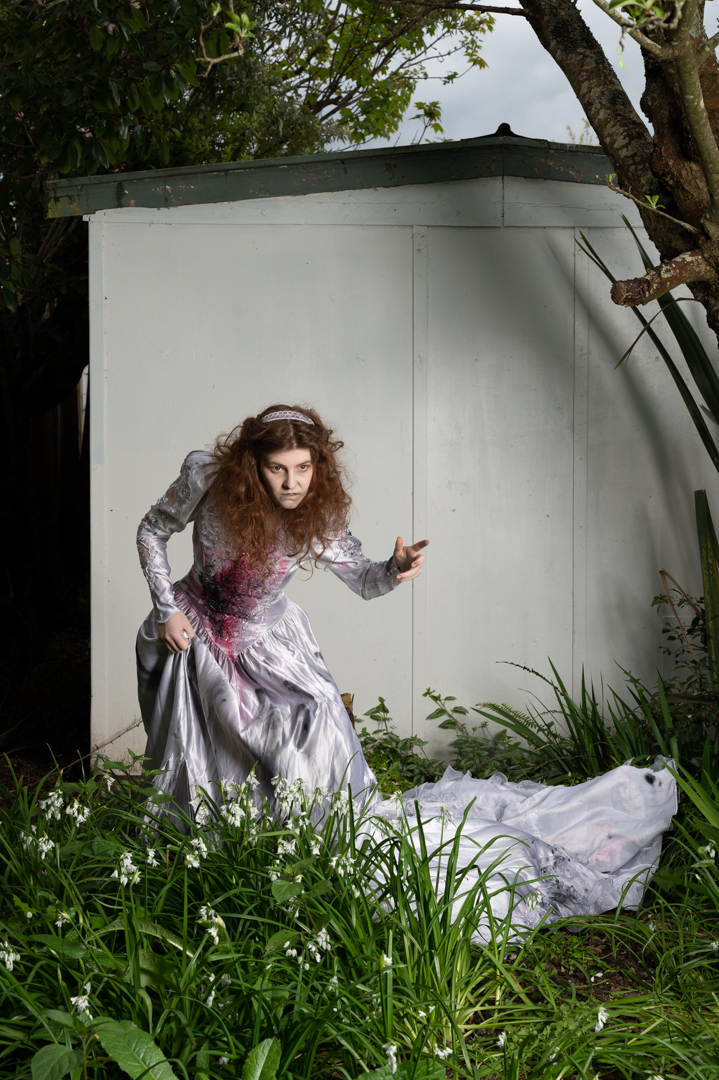
The area that Devon was in shade and I was finding that there was not enough light. So I brought out my Godox V1 speed light in a small 24 inch soft box and positioned it camera right.  This added sufficient light for what I needed.

All of the images we shot with my Nikon Z6ii camera using a 24 -70 4.0 lens. The ones in the graveyard were shot at f8 ISO100 using aperture priority which set a shutter speed of 1/80s. For the ones in the garden the camera was in manual mode set a 1/200s f8 at ISO100. 

Once ahead of the images it was a matter of choosing the best background and the best image of Devon and bringing them together in Photoshop as shown in this video.

Once Devon had been positioned and masked I applied both exposure curve adjustment to her. This was to balance her more to the background. Once I was happy with that I created a stamp visible layer (SVL) onto which I applied the moonlight LUT which is one of the standard colour look up tables. After that I tweaked the hue/ saturation particularly around Devon.

Once this was done another SVL was created. I did a slight brightness correction before creating another SVL where I masked out everything but Devon. This layer’s blend mode was set to softlight so that the effect was very subtle. Finally I created another SVL and on this used Color Effex Pro to get the final look I was going for. 

Corpse Bride Shoot – Part 1

Each year in October I plan a Halloween themed shoot. In 2022 I decided to reuse a dress from the previous year and create a corpse bride shoot. I knew that Devon would be perfect for the shoot and was really happy when she agreed to do it. The original concept was only to have her in it. During the fashion shoot with Katie, we were talking about the shoot and Katie sh said she would be keen to take part.

So we modified the concept so that the corpse bride was unhappy that her groom was marrying someone else. I reached out to a friend who has a whole collection of wedding dresses and brought four to choose from. I also enlisted the assistance of Erin Gibbons to do both bridal and horror makeup. 

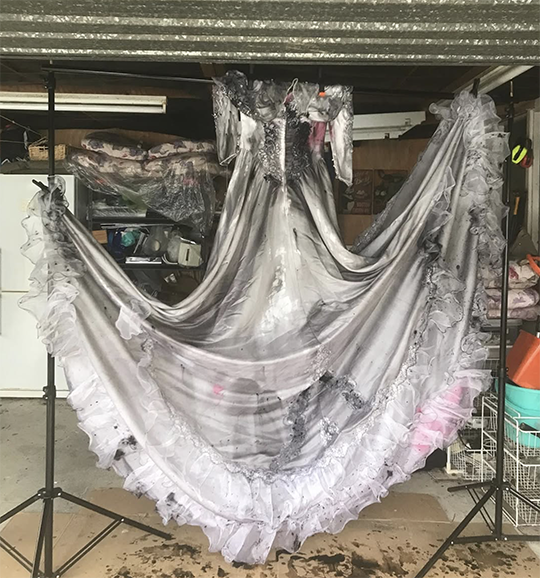
I took the dress and further distressed it. First, I soaked it in diluted black poster pipe. Then we added rips to it.

Normally I shoot alone but for this session I invited two other photographer friends to take part. Rochelle lives in Palmerston North and has a wicked since of imagination. Toya mainly shoots birds. As she had invited me to shoot on a number of occasions. I felt it was appropriate to return the favour.  

The initial set was set up in my garage as it had sufficient room. I used the canvas backdrop that I had painted previously. From the roof I hung a chandelier to add a little extra element.

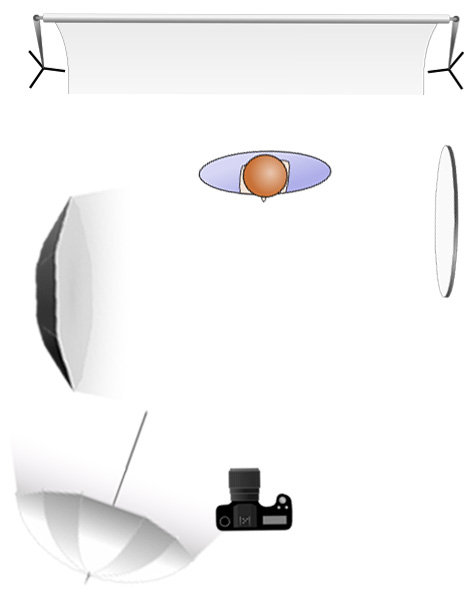
The main light was my Godox AD600 in a 1.5 m octabox positioned at a 90° angle camera left. This provided for in coverage and insured that we got catchlight in the eyes. A reflector camera right provided a bit of fill on that side. At the rear of the room an Elincron D400 fired into a 7″ umbrella with a diffusion panel to further provide fill.  

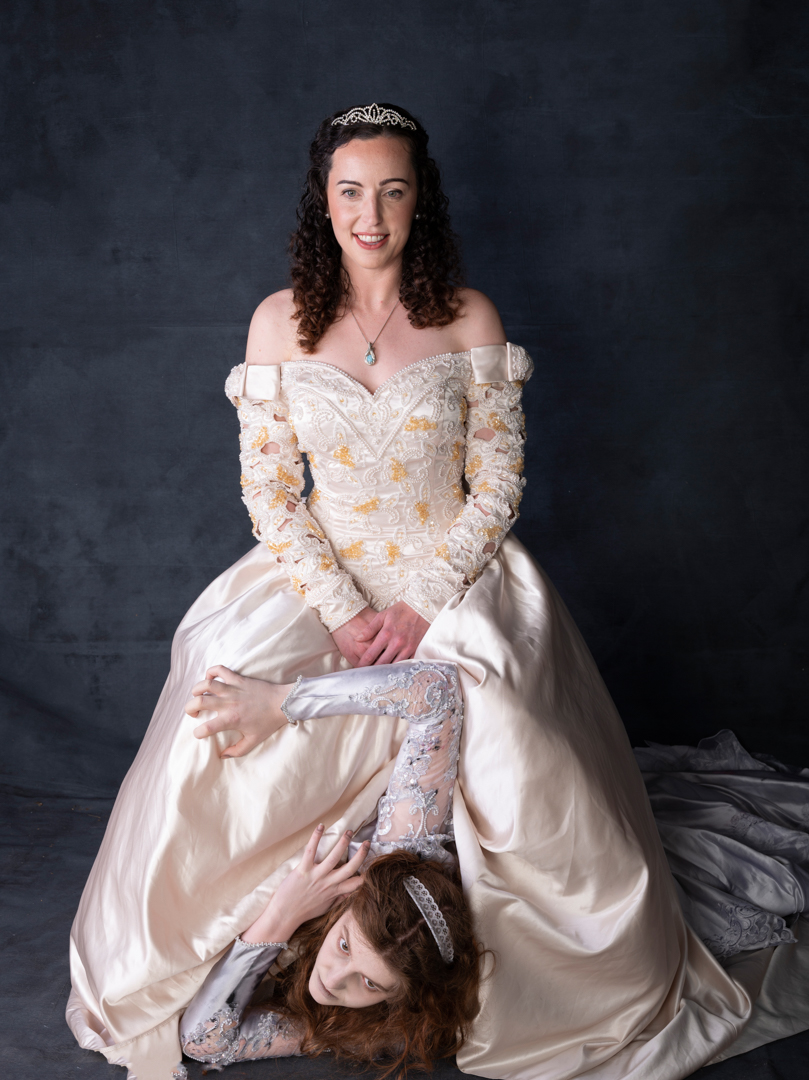
Devon was told to act like she was a ghost and two interact with Katie by trying to annoy her. Katie was told to look like she was completely unaware of Devon. Both pulled off these rolls perfectly.

All of the images we shot with my Nikon Z6ii camera using a 24 -70 4.0 lens. The camera was in manual mode set a 1/200s f9 at ISO100. This is my standard setting for studio work. It provides a reasonable depth of field as well eliminating all ambient light. This means that I am in full control of the light.

My original plan was to set up the lighting. Then, I would allow each of us to take turns with the trigger. While I am totally comfortable with flash, the other two were not. We discovered that if we opened the rear door of the garage it let in enough light for them to capture their images without affecting mine.

Everyone enjoyed this part of the session and some great images came from it.

Cassie & Connor

The most important factor in getting the most out of any model is their comfort in the shooting environment. Uncomfortable models will never give you great results. That is unless you are looking for an uncomfortable model look.

I also want them to feel safe. I know that going into a strange environment and meeting somebody for the very first time can be unsettling. Therefore, I always make it plain that I have no problem with them bringing a support person to the shoot.

In addition to making the model feel safer they can also provide an extra pair of hands. It is also not unusual that they will end up in front of the camera as well.

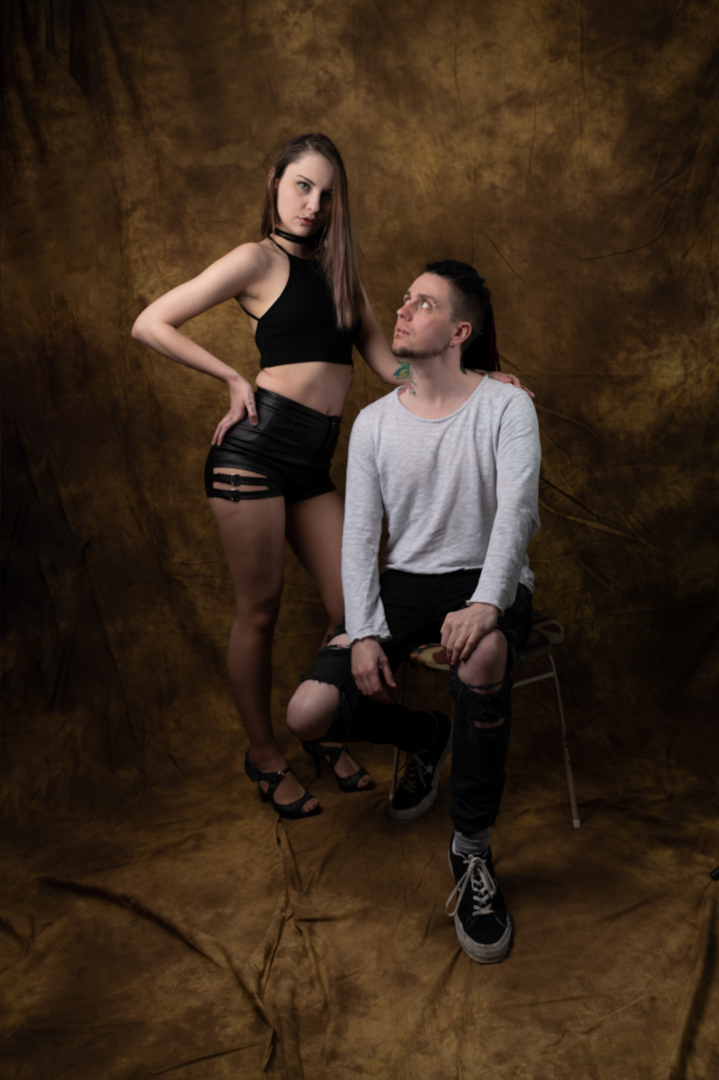
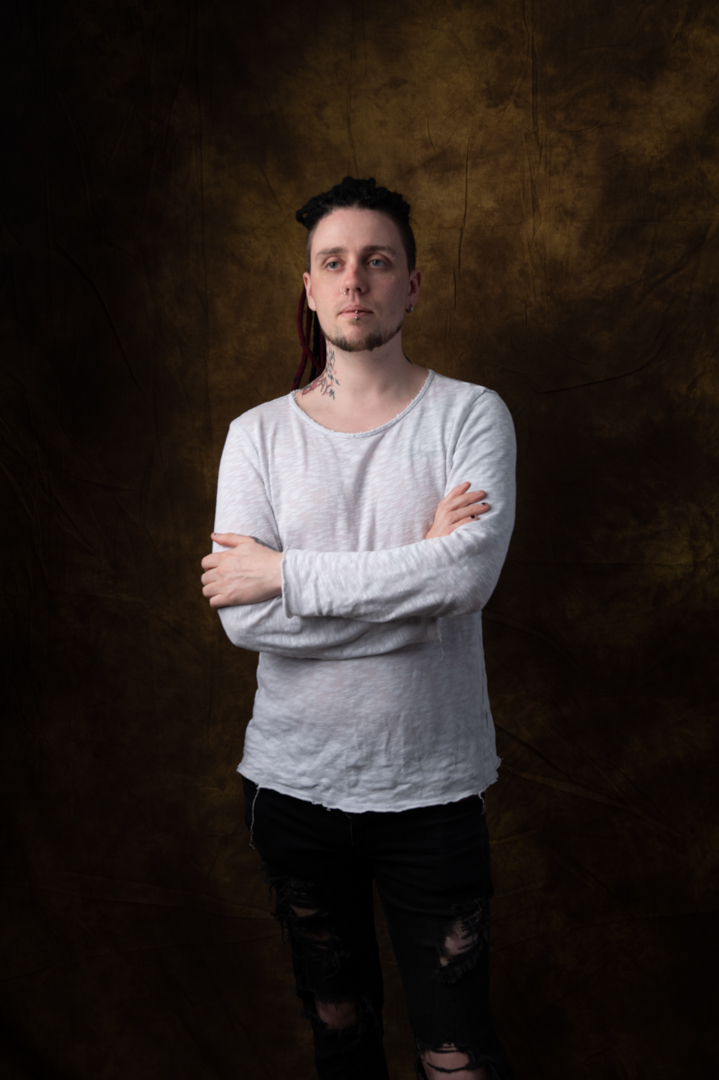
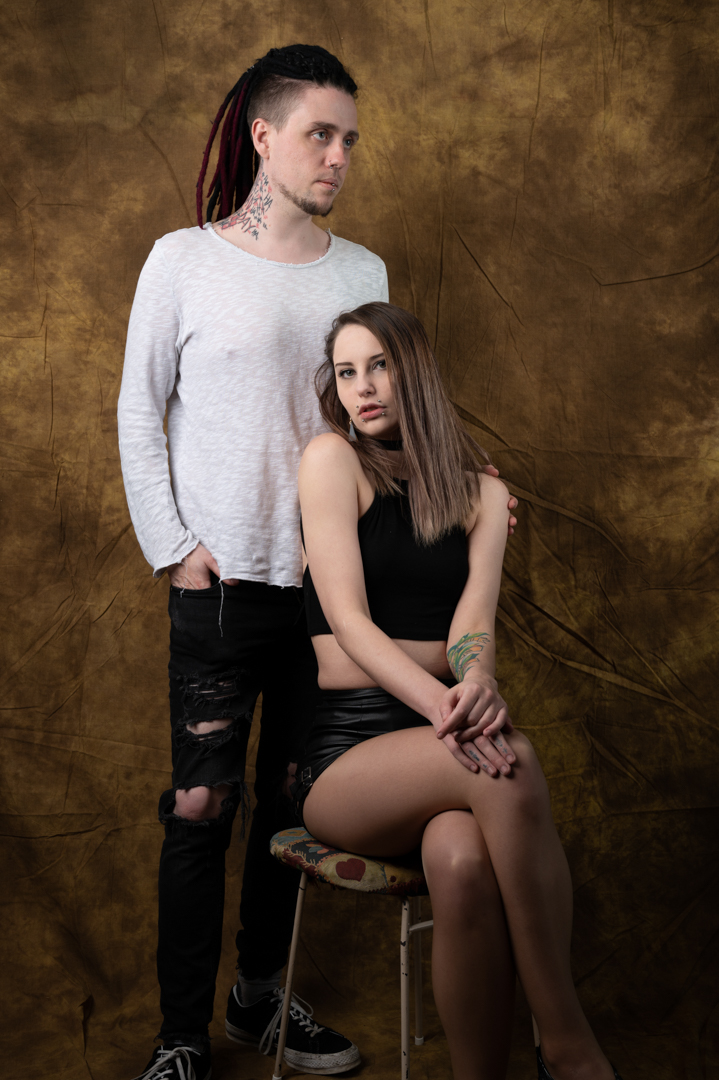
This was certainly the case when Cassie brought her boyfriend Connor to our shoot. I took one look at his features and said we have to shoot. Fortunately, he was happy to oblige after some initial hesitation.

While Cassie was getting changed I got Connor in front of the lens and we shot some simple images just to warm him up. Then we took a series of images with him and Casey which he was happy to pose. He was also willing to help me with another shit but that is a subject of the next post.

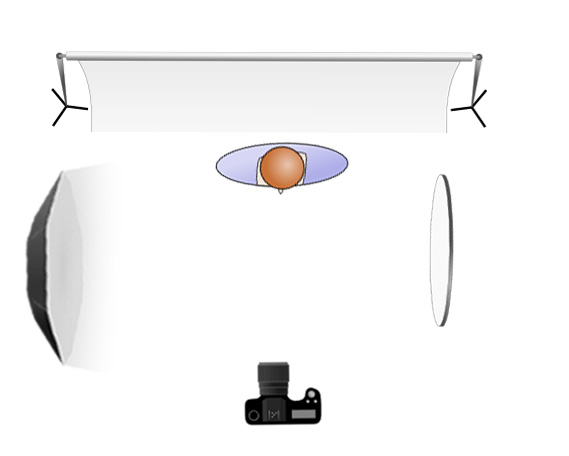
The main light was my Godox AD600 in a 1.5 m octabox positioned at a 45° angle camera left. This provided for in coverage and insured that we got catchlight in the eyes. A reflector camera right provided a bit of fill. 

All of the images we shot with my Nikon Z6ii camera using a 24 -70 4.0 lens. The camera was in manual mode set a 1/200s f8 at ISO100. This is my standard setting for studio work. It provides a reasonable depth of field as well eliminating all ambient light. This means that I am in full control of the light.

Cassie – studio shoot

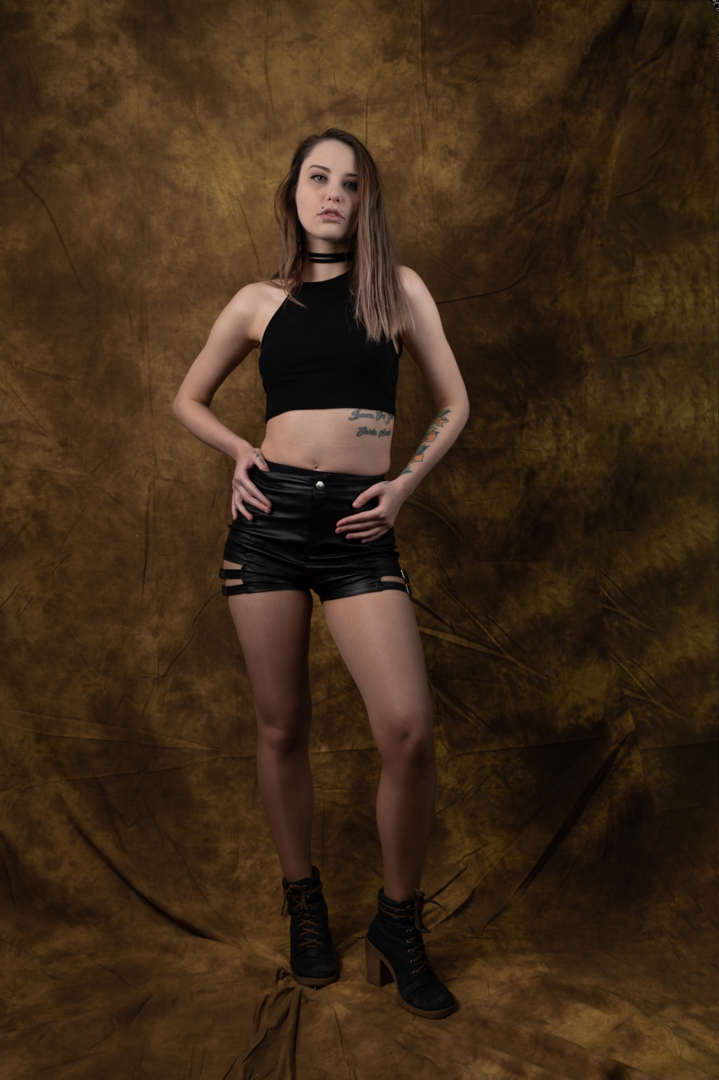
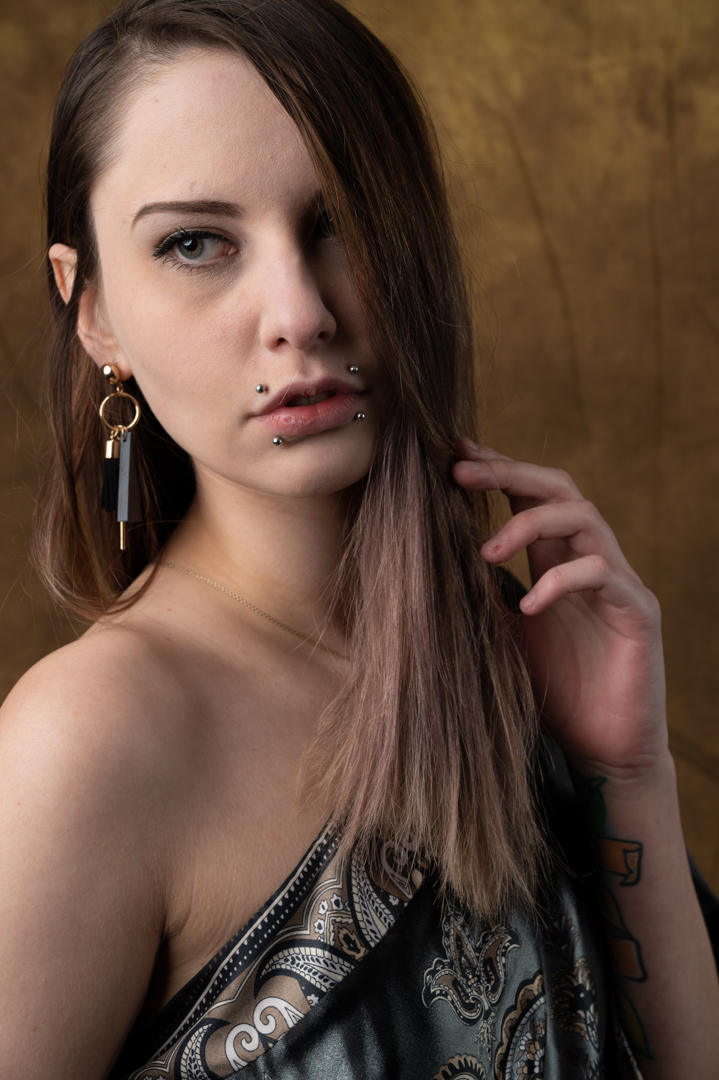
Cassie answered one of my modeling calls and we scheduled a shoot in the studio.  I wanted to go dramatic. So, I decided to use a single light. I also chose one of my old school backdrops.

The main light was my Godox AD600 in a 1.5 m octabox. Initially the light was positioned camera right at 90° angle with Cassie standing at the rear of the light. This creates the classic Rembrandt look.

Some models have the notion that they have a “right side” when it comes to photography. This belief is rooted in the idea that people have a more photogenic side of their face. They prefer this side to be captured. This preference can be due to slight asymmetries in facial features. It may also stem from personal insecurities. Sometimes, it’s simply a matter of habit and comfort. As a photographer, it is essential to respect these preferences. You need to accommodate them to ensure the model feels confident. This helps ensure the results are flattering. Taking the time to discuss and identify the model’s preferred side can lead to a more successful and harmonious photoshoot.

The reality is that your model may have a strong preference for one side. If you shoot from the other side, then the odds are high. Two things will likely happen. Firstly, the model will be uncomfortable during the shoot and secondly they won’t like the resulting images. You may 

So after discussions with Cassie the light was changed to camera left. On the opposite side a large reflector was placed to fill in the shadows a little.

After the initial shots were taken the light was moved closer to the camera and at a 45°. This provided for in coverage and insured that we got catchlight in the eyes.

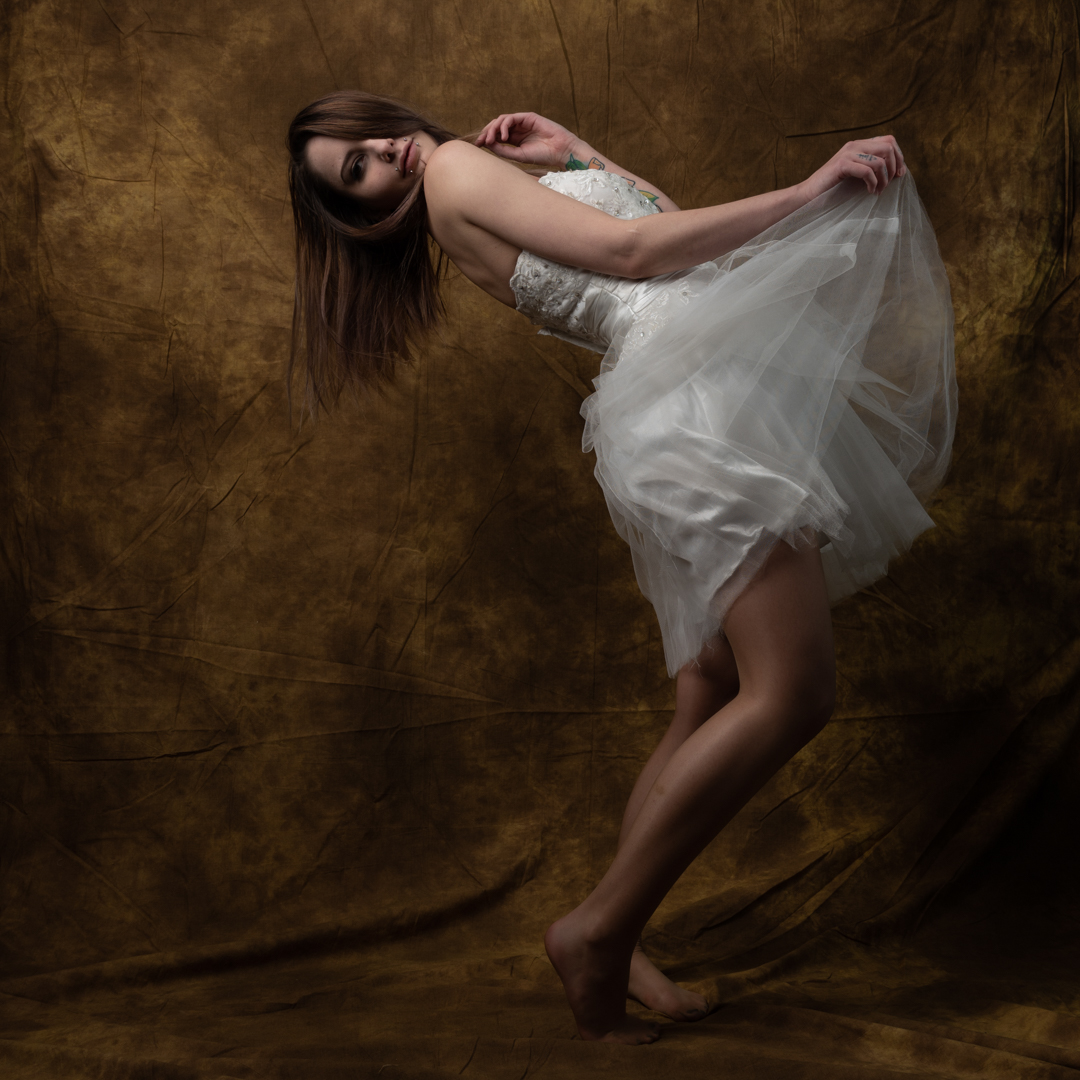
The wardrobe that Cassie brought with her consisted almost entirely of dark items. At the end of the show, I dressed in a white short wedding dress. This change was to add some variety. She had fun with these shoes in these shots and it showed in the final images. 

All of the images we shot with my Nikon Z6ii camera using a 24 -70 4.0 lens. The camera was in manual mode set a 1/200s f8 at ISO100. This is my standard setting for studio work. It provides a reasonable depth of field as well eliminating all ambient light. This means that I am in full control of the light.

Mikki Summer – With a little Flash

This is second post about the Mikki Summers session (www.mikkisummers.co.nz). In this post I am going to cover the images that made use of flash.

As I mentioned in the previous post the shoot with Katie took place around Wellington. Therefore, I did not want to be lugging too much gear around.

I knew there was a possibility that the natural light would not be sufficient in some circumstances. I took my Godox V1 speed light. I also took a small soft box and a lightweight light stand. The stand was easy to carry.

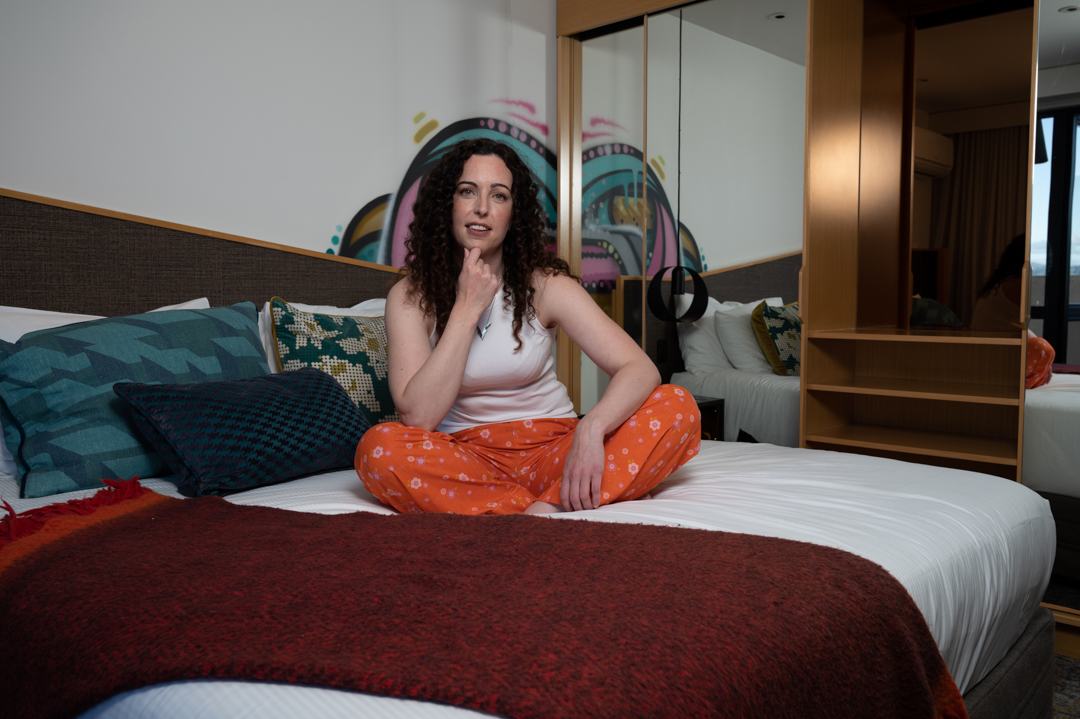
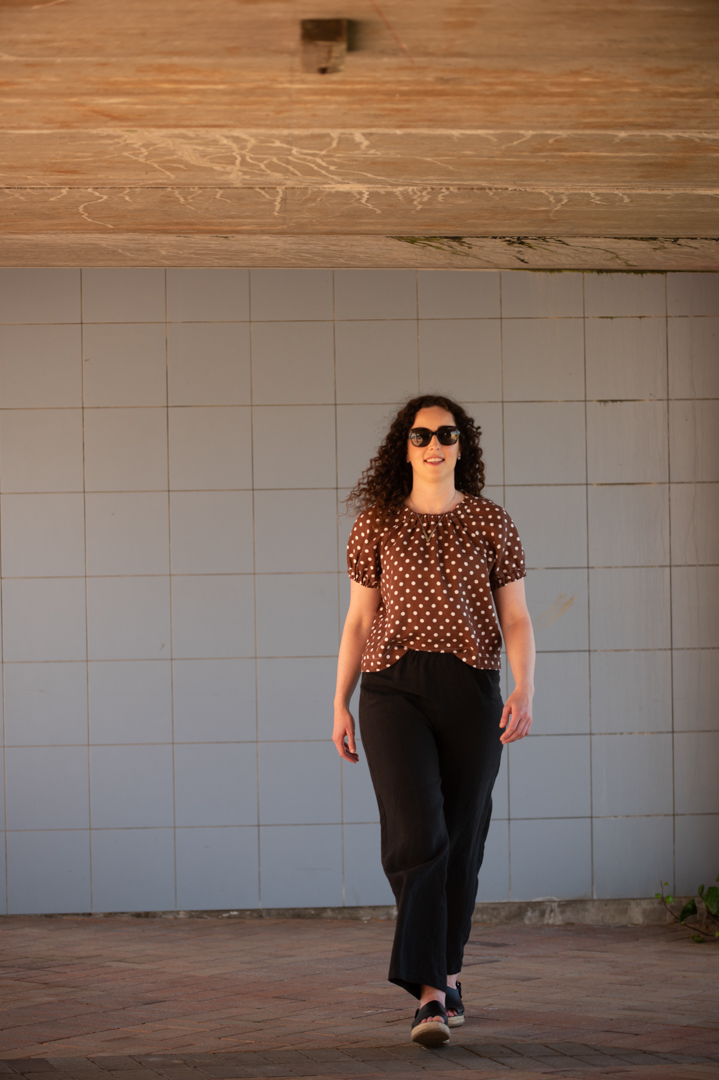
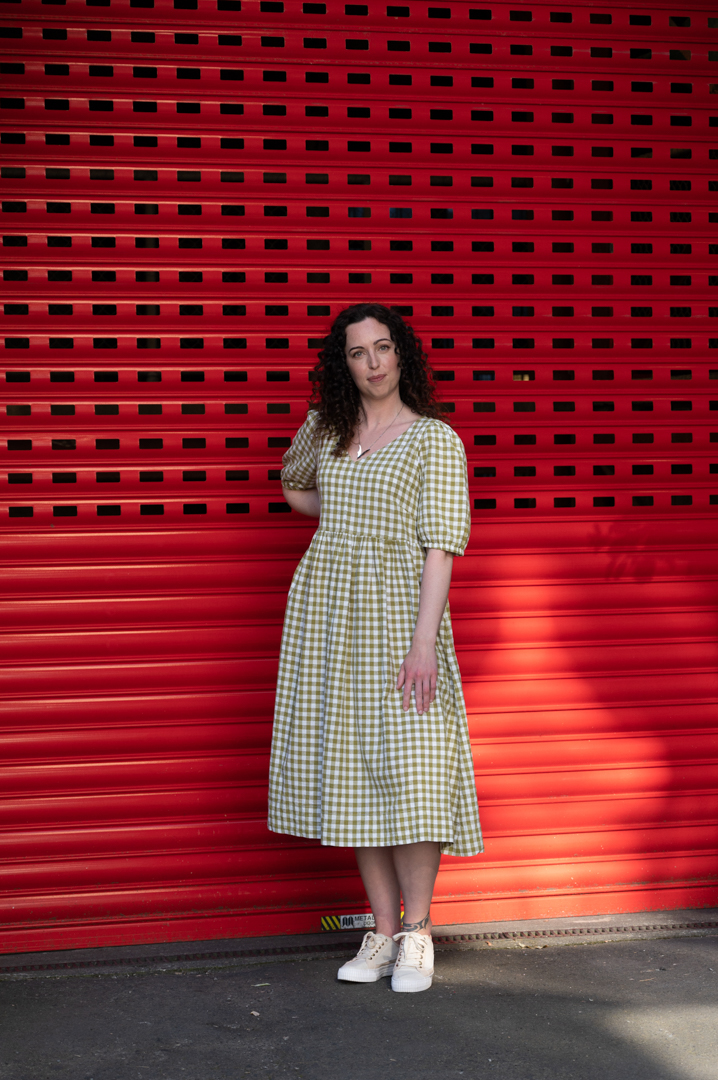
Most locations did have sufficient light. However, the first photo on this page had too much shadow. So the flash was used as a main light.

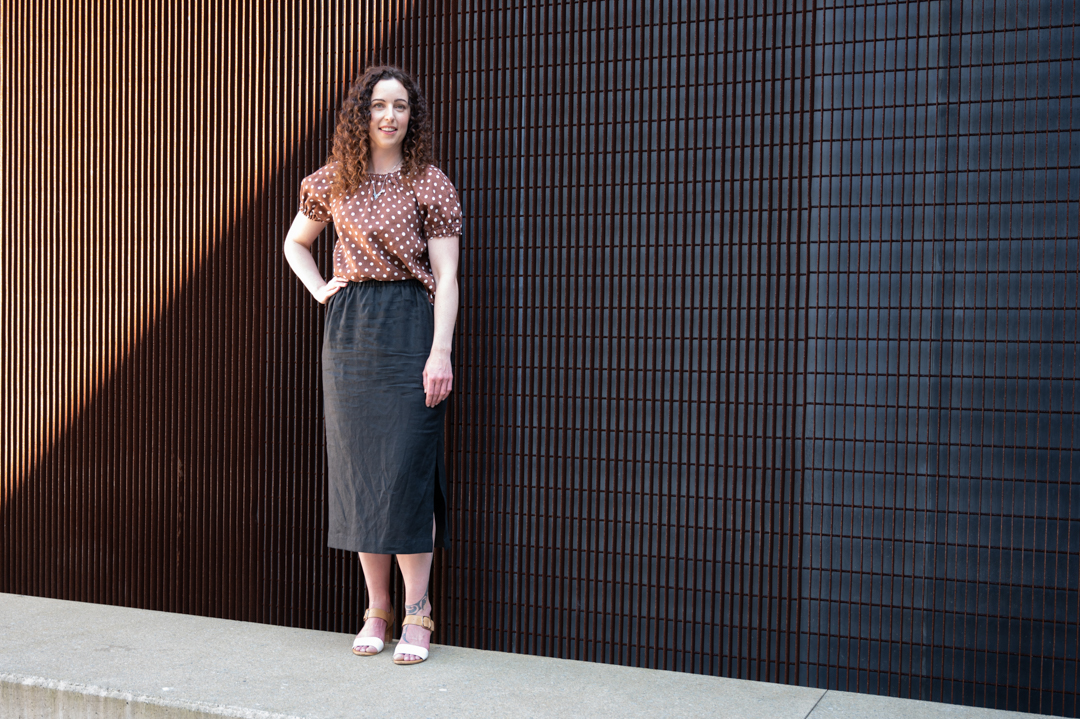
Where the flash really helped was when I found a location where the sun was beaming through a gap in the buildings. This enabled me to use it as a backlight.

So that I had full control the camera was placed in manual mode. I was shooting 1/200s at f4.5 ISO 100. At these setting Katie became heavily in shadow. I then brought the flash in camera right to illuminate Katie. This technique is called “fill flash”

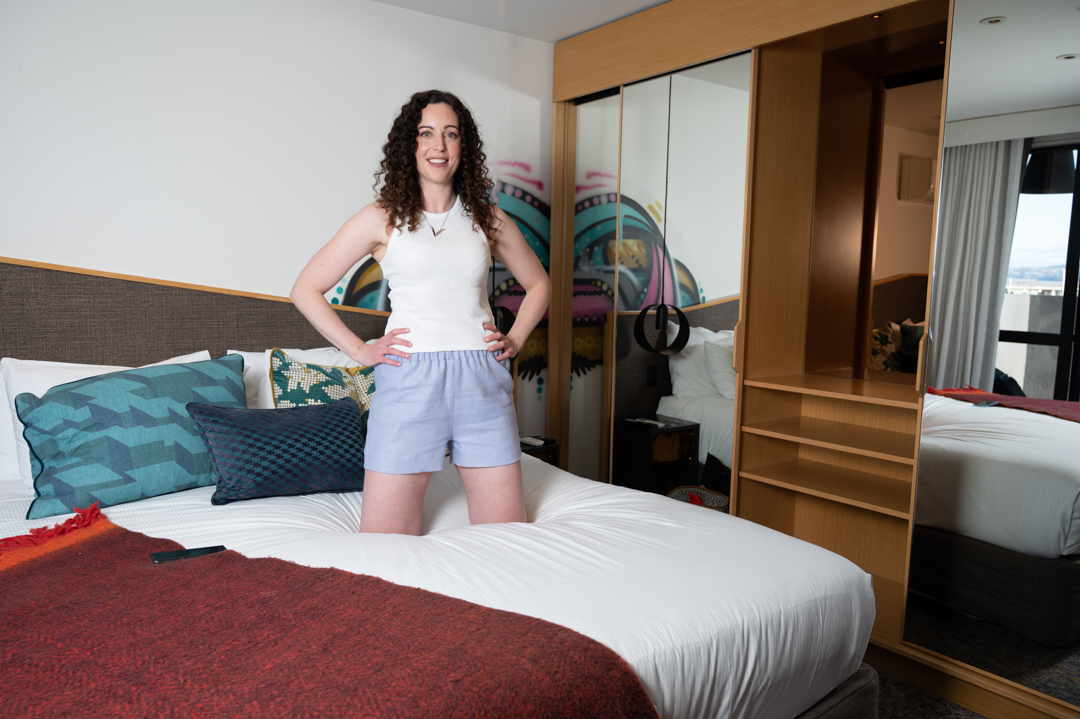
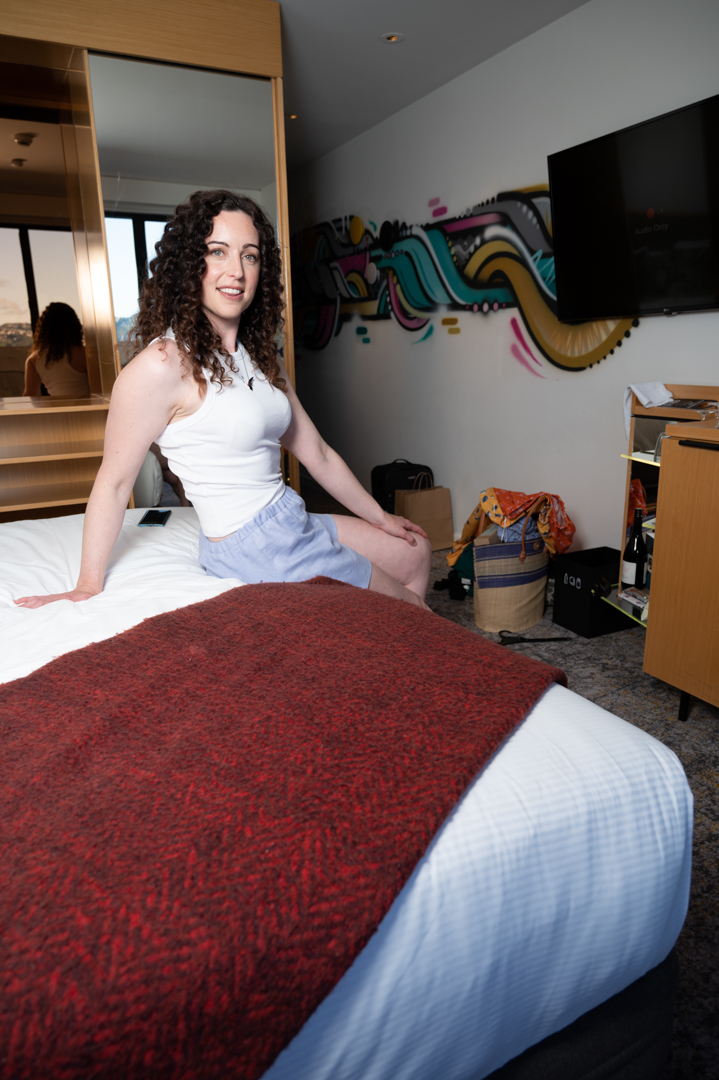
Within the collection was a number of outfits that were designed to be worn around the home. In fact they could double as pyjamas. As Marie had booked the hotel room I thought it was a perfect opportunity to use it as well.

While the room was reasonably well it was not providing me with the quality of light that I was after. So I decided to use flash to compliment rather than overpower the ambient light. I did this by positioning the flash on the balcony outside of the windows. In this way it was coming from the same direction as the natural light.

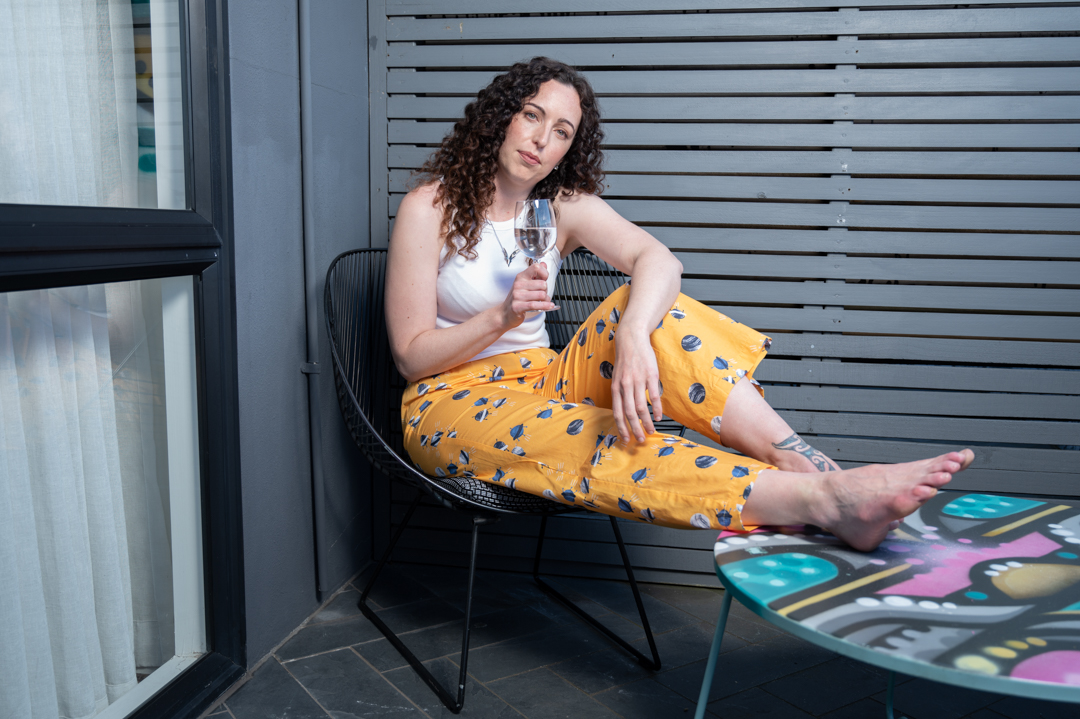
We finished the shoot with Katie relaxing on the balcony. Flash was used again. At this stage, the area where she was sitting was in too much shade.

Having flash available was a good choice. It meant I was not limited by what the natural light would provide. Choosing a small, soft speed light stand was wise. It is lightweight and not too difficult to move around with.

Mikki Summer – Shoot around the city

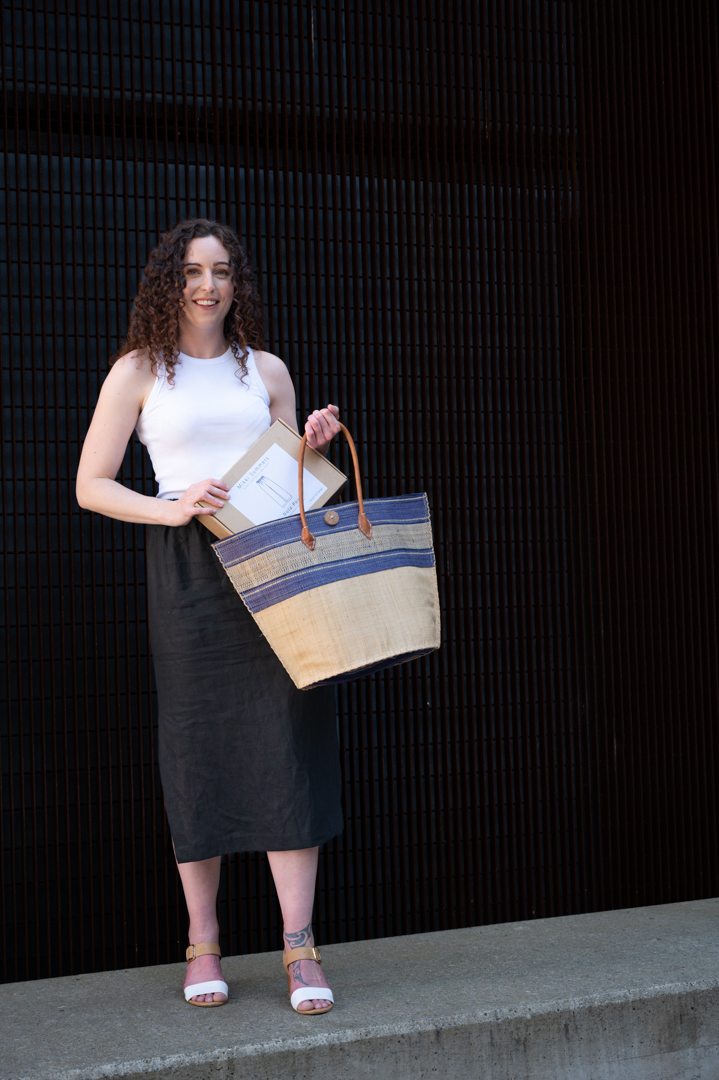
Mikki Summers (www.mikkisummers.co.nz) is a fashion brand created by Wellington designer Marie Wright. Rather than ready-made clothes they sell arrange of kits containing both the material and patterns for easy to wear outfits.

Marie is also a WOW designer. She was friends with some of the other designers that I had photographed. When she wanted images for a website revamp, she reached out to see if I was interested.

She told me truthfully that she did not where to begin with organising a shoot. So I arranged both the model and hair and make up.  I reached out to Katie who I had shot with on several occasions before to see if she was available. I figured that fitted the look that Marie was after. 

The shoot was planned for Wellington city. Marie booked a room in the central hotel. We used this as a base for the shoot.

I always like to scope out possible locations ahead of time. So, I travelled to Wellington two hours before we were here to start. This enabled me to identify locations that I thought would be suitable. This meant that I had a clear plan once the model was ready. I wanted to stay close to the hotel. This way, we did not lose too much time going back for costume changes.

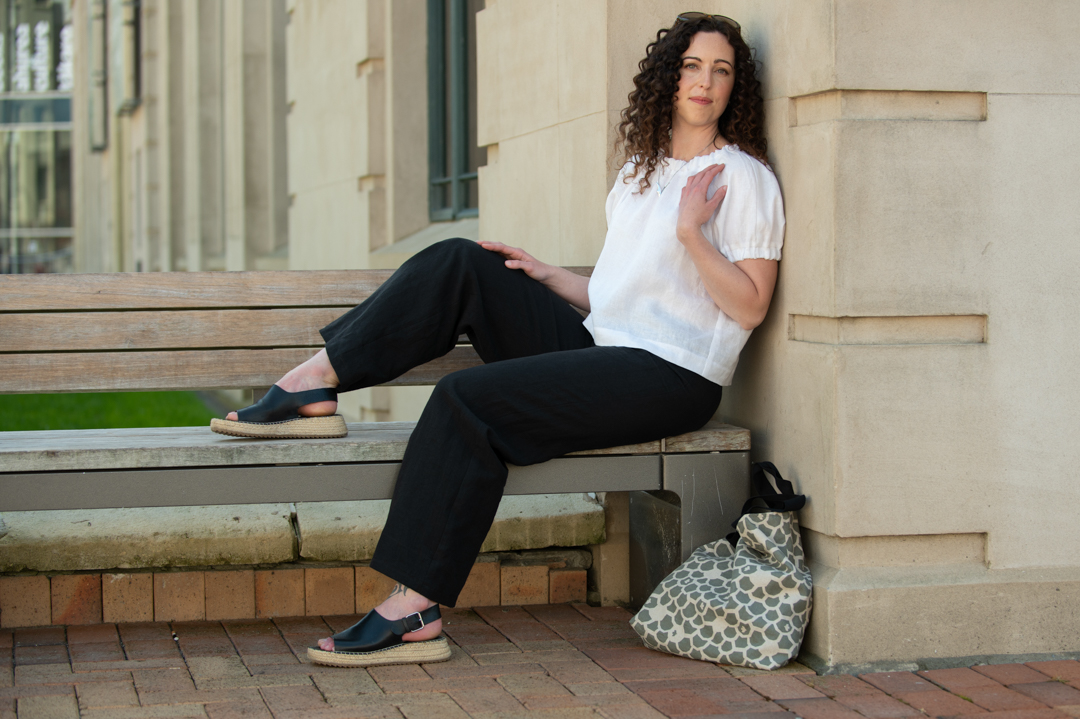
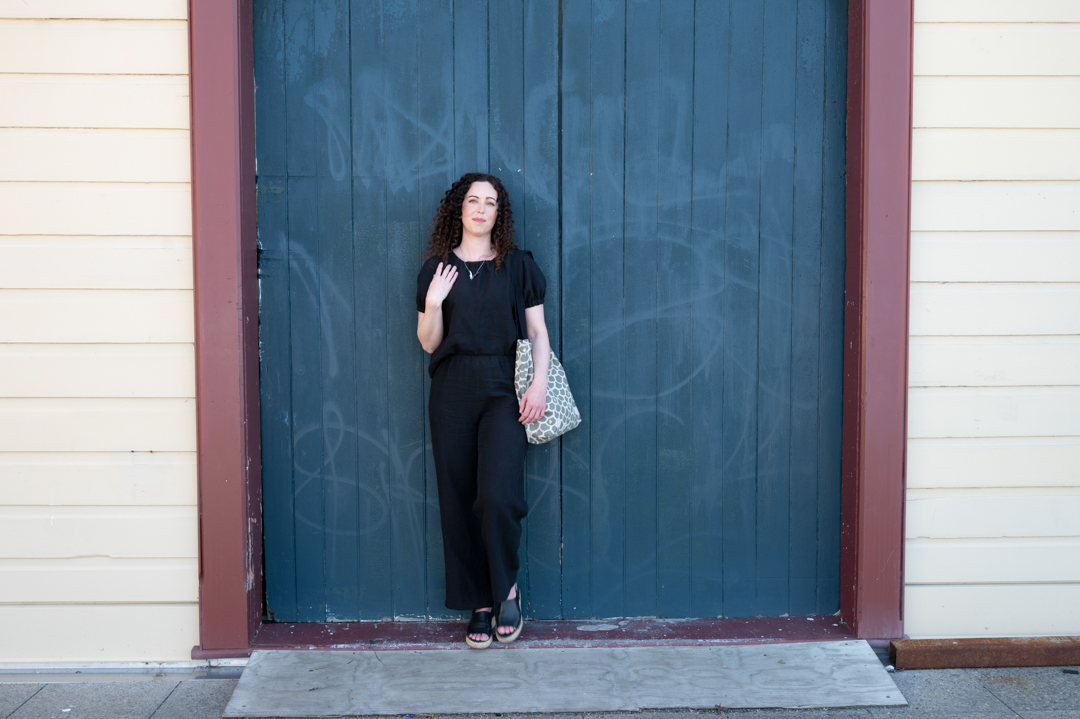
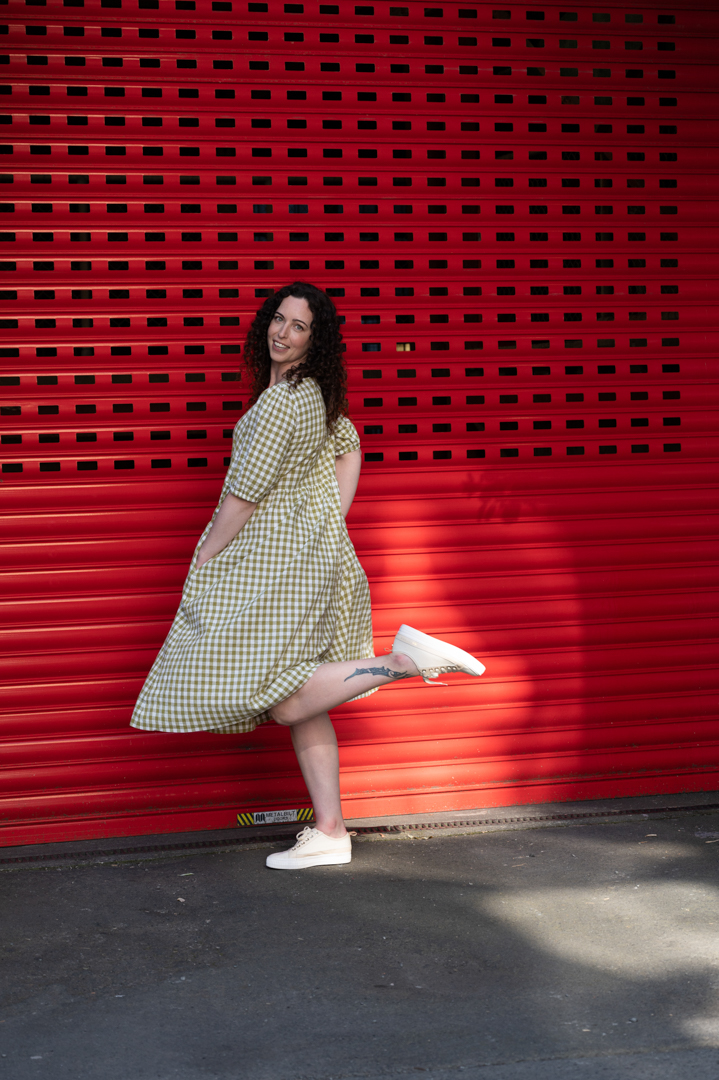
We wanted to highlight the casual nature of the outfits. So, I picked areas that fitted the theme. I also knew of some interesting alleyways and backgrounds. 

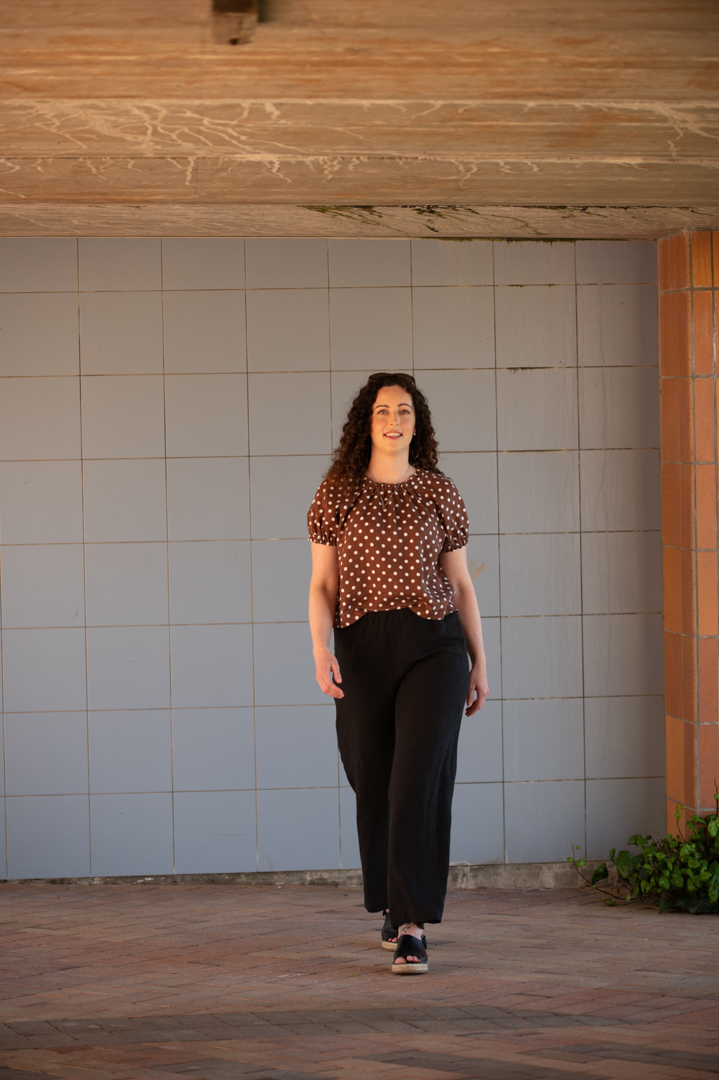
All of the images shot with my Nikon Z6ii camera. All of the ones shown previously use a 70 -20 f2.8 lens. This meant I had total flexibility in how close or far I took the shots from. The camera was in Aperture priority mode at ISO100. The images were shot between f2.8 and f5.6 depending on how much of the background I wanted in focus.

All of the images below were shot using a 24-70 f4 lens with similar apertures.

Katie was a great model and we came away with a lot of variety of images. 

All of the images in this post used natural light alone. In the next post I will cover how flash was incorporated in several locations.